Botify data shows 58% of pages under 4 clicks deep get crawled, against 32% of very deep pages. Learn how to measure, benchmark and fix crawl depth.
TL;DR: Crawl depth is the number of clicks from your homepage to a page, and Botify data shows 58.2% of pages under 4 clicks deep get crawled versus 31.5% beyond 8.
Shallow pages get crawled more often and receive more internal link equity.
Google's John Mueller has said clicks from the homepage matter, while slashes in the URL do not.
The catch: on small sites crawl budget is rarely the limit, so depth mostly matters for equity and discovery.
Crawl depth decides how quickly search engines find a page and how much internal link equity reaches it.
A good article buried six clicks from the homepage can sit with zero impressions for months.
The content isn't bad; the page is just hard to reach.
Google's John Mueller explained this in a 2018 Webmaster Hangout: the number of slashes in a URL does not matter, but the number of clicks from the homepage does.
A page one click from the homepage is treated as more important.
This guide covers how crawl depth works, depth targets by page type, and how to diagnose and fix depth problems.
What Is Crawl Depth?
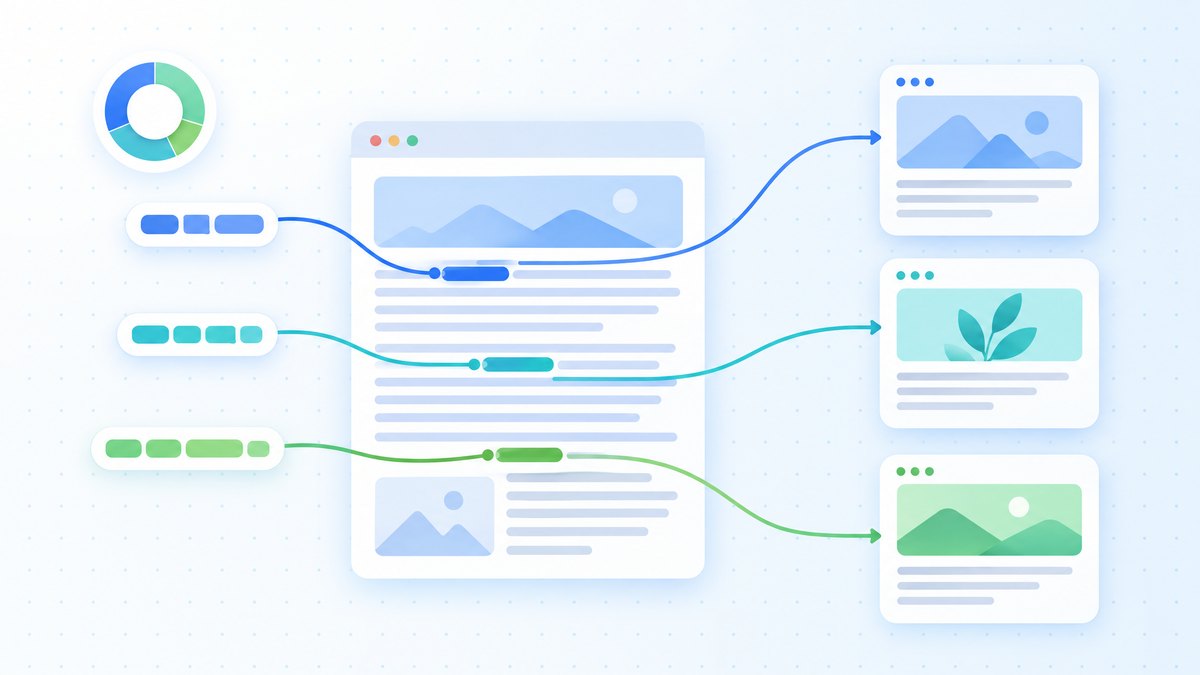
Crawl depth is the minimum number of clicks required to reach a page from the homepage through internal links.
It measures how accessible a page is within your site's architecture.
Depth 0: Homepage
Depth 1: Pages linked directly from the homepage
Depth 2: Pages linked from depth-1 pages
Depth 3: Pages linked from depth-2 pages
Depth 4+: Pages needing four or more clicks: the zone to avoid for anything important
Each extra layer usually means less frequent crawling and less link equity.
The best public data comes from Botify, which analyses crawl logs at scale.
Its 2018 analysis reported that 58.2% of pages less than 4 clicks from the homepage were crawled, against only 31.5% of pages more than 8 clicks away.
Crawl budget itself is less of a constraint than many guides suggest.
Google's crawl budget guide is written for large sites, such as those with over a million pages, or over 10,000 pages that change daily.
For a typical blog or service site, depth matters mainly because it controls how fast new pages are discovered and how much internal equity they receive.
For the full picture on how internal links shape crawling and equity flow, see the complete internal linking guide.
Crawl Depth vs URL Depth vs Click Depth
These three terms are often confused.
They measure different things.
Crawl depth (click depth) counts the clicks through internal links from the homepage to a page.
If your homepage links directly to /blog/category/subcategory/my-article/, that page is at crawl depth 1 despite its long URL.
URL depth counts the folders in a URL path.
The URL /blog/seo/technical/crawl-depth/ has a URL depth of 4.
If the homepage links to it directly, its crawl depth is still 1.
The distinction that matters: Mueller's point was that clicks from the homepage matter and slashes do not.
A short URL like /crawl-depth/ at click depth 5 is worse placed than a long URL like /blog/technical-seo/crawl-depth-guide/ at click depth 2.
So restructuring URLs alone does not fix depth problems.
You fix depth by adding internal links that create shorter paths.
| Metric | What It Measures | What Determines It | SEO Impact |
|---|---|---|---|
| Crawl depth | Clicks from homepage via links | Internal link structure | Direct (discovery, crawl frequency, equity) |
| URL depth | Folders in the URL path | URL naming convention | Minimal (mostly cosmetic) |
| Page depth | Usually used to mean crawl depth | Context-dependent | Same as crawl depth |
For the rest of this article, "depth" means crawl depth.
Why Depth Hurts Rankings
Three mechanisms explain why deep pages underperform.
1. Slower Discovery and Less Frequent Crawling
Googlebot finds pages by following links from pages it already knows, starting with the homepage and other strong pages.
Pages close to those entry points are found first and revisited more often.
Botify notes that crawl rate typically falls with depth because PageRank drives crawling: deep pages receive fewer internal links and less equity, so Google treats them as less important.
On a small site this rarely means a page is never crawled.
It means new or updated deep pages wait longer to be picked up, which is enough to delay rankings for weeks.
2. Link Equity Dilution
Every link passes a share of the linking page's equity.
Pages at depth 1 receive equity directly from the homepage, usually the strongest page on a site.
Each further level divides that equity again.
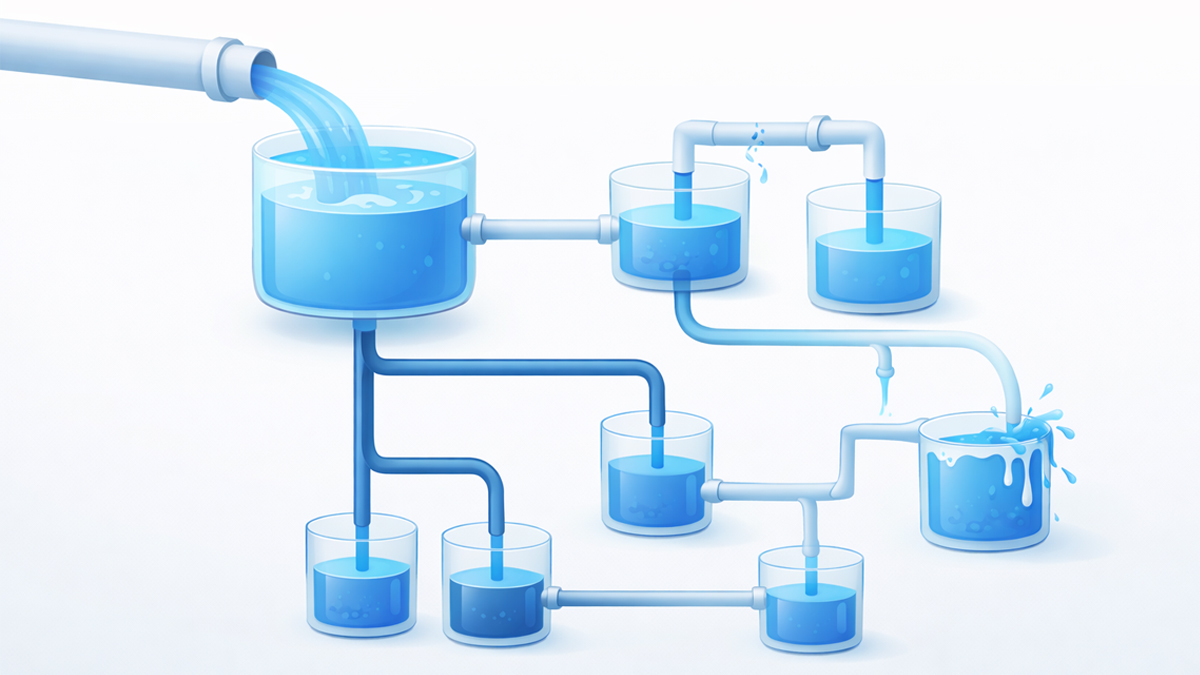
A simple illustration: if the homepage links to 20 pages and each of those links to 10 more, a depth-2 page receives a small fraction of what a depth-1 page gets, and a depth-4 page a fraction of that.
Without backlinks or cross-links of its own, a deep page struggles to compete.
For a detailed explanation, see our guide on link equity and how it works.
3. Fewer Users Reach the Page
Users who need four or five clicks to reach content often give up before they get there.
Fewer visits mean fewer engagement signals.
Evidence from the US Department of Justice antitrust trial confirmed that Google uses click data in ranking systems such as Navboost, so pages that real users rarely reach start at a disadvantage.
Depth Benchmarks by Page Type
Not every page needs to be at depth 1.
Match the target depth to the page's importance.
| Page Type | Target Depth | Why |
|---|---|---|
| Homepage | 0 | Entry point |
| Core tool pages | 1 | Main traffic and lead drivers |
| Service pages | 1 to 2 | Conversion pages, linked from navigation or homepage |
| Pillar content | 1 to 2 | Hubs that pass equity to cluster articles |
| Category pages | 1 to 2 | Navigation hubs |
| Cluster blog articles | 2 to 3 | Linked from the pillar and related articles |
| Supporting blog posts | 2 to 3 | Linked from clusters and related content |
| Utility pages (privacy, terms) | 2 to 3 | Low priority but crawlable |
| Paginated archive pages | 3 to 4 | Acceptable, but page 10+ needs other paths |
| Old or archived content | 3 to 4 | Lower priority, still needs several incoming links |
Rule of thumb: if a page matters for revenue or rankings, keep it at depth 1 to 2.
If it supports other content, depth 2 to 3.
Nothing important should sit at depth 4 or deeper.
These are practitioner targets, not Google rules.
On SEOShouts, every tool page (/tools/*) is linked from the main navigation at depth 1, and cluster articles reach depth 2 to 3 through links from their pillar page.
How to Diagnose Crawl Depth Problems
Method 1: Screaming Frog Crawl Depth Report
The most reliable method.
Crawl your site with Screaming Frog SEO Spider and read the Crawl Depth column, which shows the minimum depth of every URL found.
The free version covers up to 500 URLs.
What to look for:
Export the data and chart the distribution.
A healthy site peaks at depth 2 to 3.
An unhealthy one has a long tail running to depth 6, 7, 8 or beyond.
Flag every URL at depth 4+ that targets a keyword or gets impressions.
These pages are underperforming because of structure, not content.
Method 2: Google Search Console Links Report
Open the Links report in Google Search Console and check the internal links table.
Pages with very few internal links are usually deep.
Cross-check them against the Screaming Frog depth data.
Pages with few incoming links and high depth are priority fixes, because they have both a depth problem and an orphan or near-orphan problem.
Method 3: Manual Click-Path Test
On small sites, click from the homepage to each important page and count the clicks.
If any priority page needs 4+ clicks through the shortest path, it is too deep.
This catches cases automated crawlers miss, such as a page that is 2 clicks away through a footer link but 5 clicks through the content a reader actually follows.
Footer links give weaker context than body links.
Our comparison of body vs footer vs sidebar link weight explains why.
Method 4: Internal Link Checker Quick Scan
Run your domain through the SEOShouts Internal Link Checker to see how internal links are spread across up to 500 pages.
Pages with very few incoming links in the results are likely buried.
The anchor word cloud shows whether your links concentrate on your key pages or scatter randomly.
How to Fix Depth Problems
Once you have a list of pages at depth 4+, there are five structural fixes.
Fix 1: Add Direct Links from the Homepage
Linking a page from the homepage drops it to depth 1 at once.
Reserve this for your top 10 to 20 priority pages.
Don't clutter the homepage with links to everything; the optimal number of links per page still applies.
Implementation: add links in homepage body content, a featured tools section or a curated resources block.
Navigation links also work.
Fix 2: Link from Strong Pages
Your best-ranking pages get crawled most often.
A contextual link from one of them to a deep page gets that page discovered faster and passes it equity.
Example: if your internal linking guide ranks well and is crawled often, a link from it to a buried cluster article brings that article to depth 2.
Fix 3: Flatten the Navigation
If many pages are too deep, the problem is structural.
Common causes are category, subcategory and sub-subcategory nesting, paginated archives that push older posts to depth 7 or 8, and menus that need 3+ clicks to reach content.
Reduce nesting: turn 4-level category trees into 2 levels, add "most popular" or "featured" blocks that surface deep content, and build hub pages that link to scattered content.
Fix 4: Cross-Link Between Cluster Articles
In a topic cluster architecture, cluster articles should link to each other, not only up to the pillar.
These sideways links create extra short paths.
Without cross-links: Homepage → Pillar → Article A → Article B puts Article B at depth 3 on that path.
With cross-links: Homepage → Pillar → Article B gives depth 2, and any shallow page that links to Article B shortens it further.
Several short paths beat one long one.
Fix 5: Add Breadcrumb Navigation
Breadcrumbs link every page back up through each level to the homepage, giving crawlers efficient paths.
With BreadcrumbList schema they also help Google show your site hierarchy in results.
Use descriptive category names in breadcrumbs rather than generic labels.
Depth and AI Search Engines
AI crawlers add a second reason to keep depth low.
OpenAI, Anthropic and Perplexity each run separate crawlers.
OpenAI, for example, documents GPTBot for training and OAI-SearchBot for ChatGPT search.
These crawlers discover pages by following links, much like Googlebot.
A page that is hard to reach through links is less likely to be fetched and therefore less likely to be cited.
Rendering is the bigger risk.
A Vercel and MERJ study from December 2024 found that none of the major AI crawlers, including GPTBot and ClaudeBot, rendered JavaScript.
If your navigation or related-post links are built by client-side scripts, AI crawlers may not see them at all, so the effective depth for those crawlers is much deeper than your crawl tool reports.
For AI visibility: keep pages you want cited at depth 1 to 3, put internal links in the server-rendered HTML, and check that your robots.txt allows the AI crawlers you want.
Our robots.txt generator lists the main AI user agents.
Depth Problems from Pagination
Pagination is the most common unintended cause of extreme depth.
A blog with 200 posts showing 10 per page creates 20 archive pages.
If readers can only step through them one by one, posts on page 20 sit about 20 clicks from the homepage and get little crawl attention.
Fixes for pagination depth:
1.
Link to first, middle and last pages. Instead of only "next," show jumps to pages 5, 10, 15 and 20.
This cuts maximum depth from about 20 to about 4.
2.
Add category and tag archives. A post on archive page 18 may be on page 2 of its category.
The shorter path wins.
3.
Feature older content on hub pages. "Best of" or "Start here" pages that link to strong older posts bypass the archive.
4.
Use related posts blocks. 3 to 5 genuinely related posts at the end of each article create cross-links that reduce depth for older content and add topical relevance signals.
Render them on the server.
Monitoring Depth Over Time
Depth problems creep in as you publish.
A site with a maximum depth of 3 at 50 pages can reach depth 6+ after 200 more posts if nobody adjusts the structure.
Monthly check: run a Screaming Frog crawl and export the depth distribution.
If the share of pages at depth 4+ is growing, the structure is degrading.
Per-publish check: before publishing, make sure the new page is linked from at least one page at depth 1 to 2 and has at least 3 incoming internal links.
Use the internal link audit checklist as a pre-publish gate.
Quarterly architecture review: audit the full distribution, pull up newly important pages, remove unnecessary nesting, and check that your topic cluster structure keeps depth low through two-way links.
A practical goal: 90%+ of indexable pages at depth 3 or less.
Common Depth Mistakes
Relying on footer links to fix depth. A sitewide footer link technically puts a page at depth 1 from everywhere, but footer links give weak context.
A page at depth 1 through the footer but depth 5 through body content is still effectively buried.
Confusing URL structure with depth. Changing /blog/category/subcategory/post/ to /post/ doesn't change crawl depth.
Only links from shallower pages do.
Mega-menus with 200+ links. Linking everything from every page flattens depth on paper but spreads equity so thinly that no single link means much.
Zyppy's study of 23 million internal links found Google clicks rising with internal links up to roughly 45 to 50 links per URL and falling after that.
See the optimal links per page guide.
Ignoring mobile navigation. Google indexes the mobile version of your pages with its smartphone crawler.
If links that exist on desktop are hidden or missing on mobile, your real depth is the mobile one.
Test both.
Publishing without adjusting structure. Every new page published without deliberate linking pushes older content deeper.
Treat internal linking as ongoing maintenance.
The internal link audit guide gives a repeatable process.
Quick Reference: Depth Action Matrix
| Current Depth | Priority Level | Action |
|---|---|---|
| Depth 1 | ✅ Optimal | Maintain, review link sources quarterly |
| Depth 2 | ✅ Good | Standard for most content, monitor |
| Depth 3 | ⚠️ Acceptable | Fine for supporting content, too deep for money pages |
| Depth 4 | 🔴 Fix needed | Add 2 to 3 internal links from depth 1 to 2 pages |
| Depth 5+ | 🔴 Critical | Restructure navigation, add homepage or hub links |
| Unreachable | 🔴 Orphan | No internal links at all: see the orphan page fix guide |
Frequently Asked Questions
What is crawl depth in SEO?
Crawl depth is the number of clicks needed to reach a page from the homepage through internal links.
A page linked from the homepage is at depth 1.
Botify data shows 58.2% of pages under 4 clicks deep get crawled, against 31.5% of pages more than 8 clicks away.
What is the ideal crawl depth for SEO?
Google sets no official limit, but keep important pages within 3 clicks of the homepage.
Tools, services and pillar content should sit at depth 1 to 2, and supporting articles at depth 2 to 3.
Nothing targeting a competitive keyword should sit at depth 4 or deeper.
Is crawl depth the same as URL depth?
No. URL depth counts folders in the URL path, while crawl depth counts clicks through internal links.
A page at /blog/seo/technical/crawl-depth/ can be at crawl depth 1 if the homepage links to it.
Mueller said in 2018 that clicks from the homepage matter and slashes do not.
How do I check my website's crawl depth?
Screaming Frog's Crawl Depth column is the most reliable source and shows the depth of every URL.
Search Console's Links report shows pages with few internal links, which are often deep.
The SEOShouts Internal Link Checker gives a quick view of your link spread.
Does crawl depth affect AI search citations?
Indirectly.
AI crawlers find pages by following links, and a 2024 Vercel study found none of the major AI crawlers rendered JavaScript.
Keep pages you want cited within 3 clicks, put links in server-rendered HTML, and allow the AI crawlers you want in robots.txt.
Get More SEO Insights
Join 10,000+ marketers receiving weekly SEO strategies and tips directly in their inbox.