If you place a link in your website's Footer, does it count the same as a link in the first paragraph of a blog post?
The answer is a definitive No.
In the early days of SEO, a link was a link.
If you wanted to rank for "Blue Widgets," you could just jam a link into your website's footer, and suddenly, every single page on your site was voting for "Blue Widgets."
In 2026, search engines are smarter.
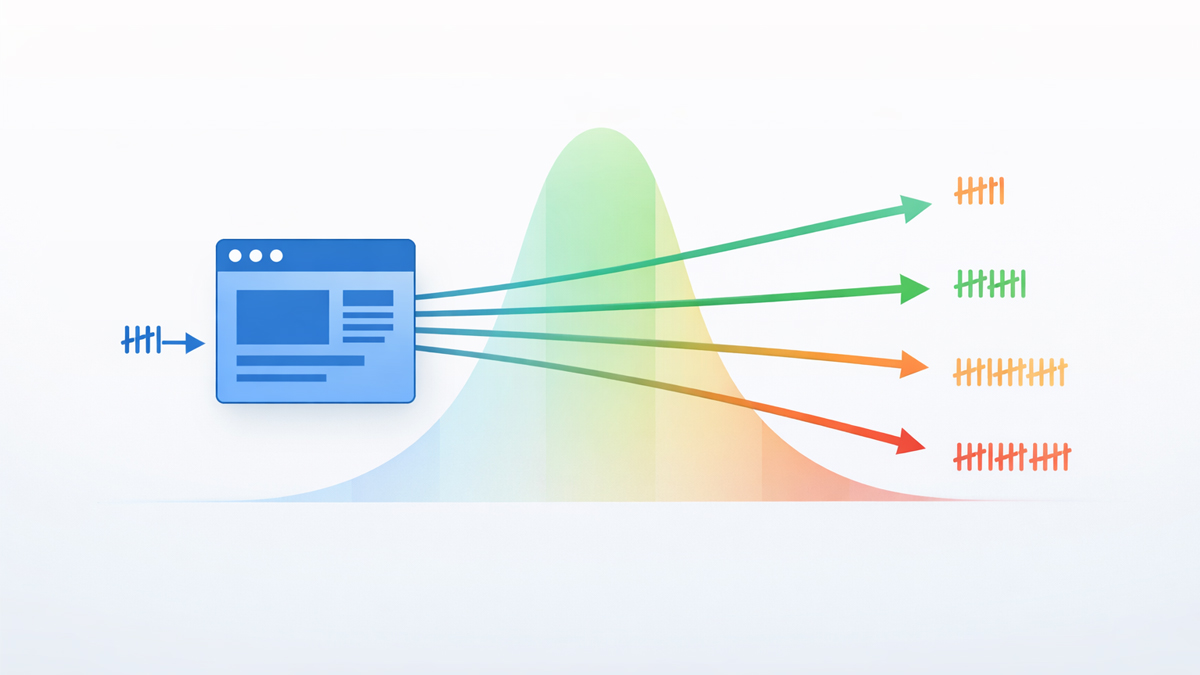
They use the "Reasonable Surfer" Model, which estimates how likely a user is to actually click a link based on its position.
Furthermore, AI Answer Engines (like Google's Gemini) break webpages into sections-distinguishing between "Main Content" (High Value) and "Boilerplate" (Low Value).
If you want your internal links to pass real authority and drive AI citations, you need to put them where they matter.
This guide breaks down the hierarchy of link placement and how to structure your layout for the AI era.
1. Body Content Links (The Gold Standard)
Value: ⭐⭐⭐⭐⭐ (Highest)
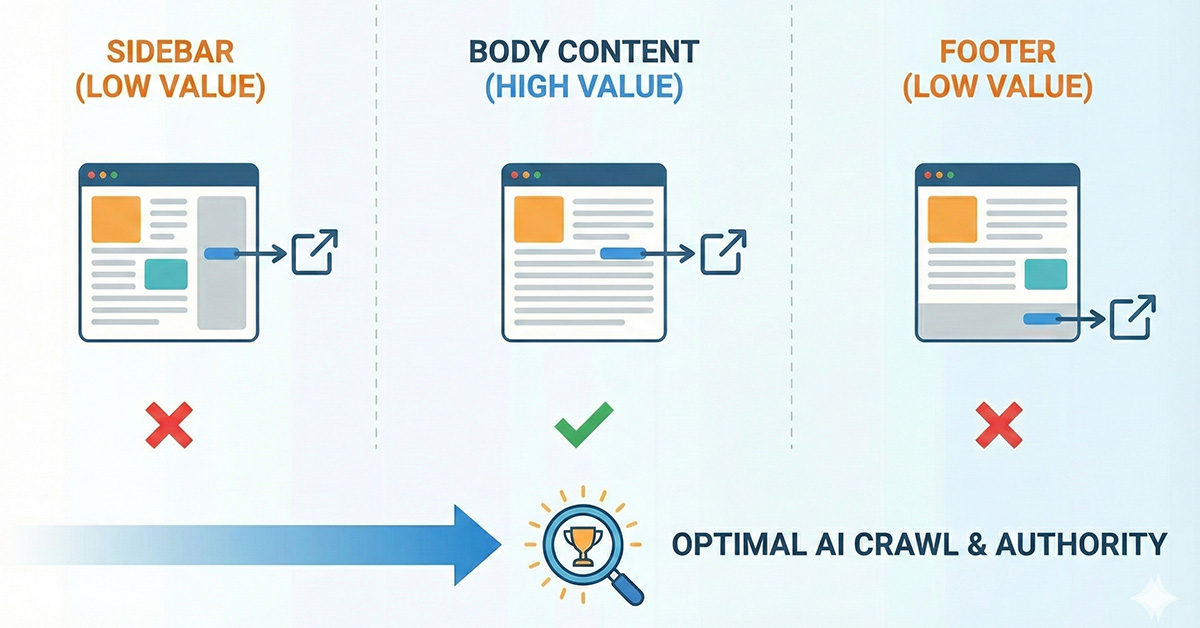
A link placed inside a sentence within the main body of your article is the most powerful link you can build.
Why AI Loves It:
- Context: It is surrounded by unique text. The words before and after the link provide the "Semantic Vector" that tells the AI exactly what the target page is about.
- Intent: It implies an editorial endorsement. The writer actively chose to reference this resource to help the reader.
Strategy: Always prioritize semantic anchor text within your paragraphs. This is the primary way to feed the Knowledge Graph.
Pro Tip: Google's "First Link Count" rule often ignores duplicate links. If you link to a page in the Menu and again in the Body, ensure the Body link is high up, or use different anchors to maximize relevance.
2. Sidebar Links (The "Navigation" Zone)
Value: ⭐⭐ (Low to Medium)
Links in your sidebar (e.g., "Popular Posts" or "Categories") are useful for navigation, but they carry significantly less SEO weight than body links.
The "Boilerplate" Problem: AI bots identify sidebars as "Boilerplate"-content that repeats on every page.
Because this content isn't unique to the specific URL, the algorithm discounts the links inside it.
When to Use Them:
- Use sidebars to surface Pillar Pages or high-converting tools.
- Do not use sidebars to spam keyword-rich links. It looks manipulative and is often ignored by the Reasonable Surfer model (Google's patent on link value based on probability of clicking).
3. Footer Links (The "Graveyard")
Value: ⭐ (Lowest)
Footer links are the least valuable links on your site. Users rarely scroll to the bottom to find content, and search engines know this.
Why They Are Devalued: In 2026, putting a list of 50 "SEO Services" cities in your footer is a spam signal.
It offers zero context and zero user value. According to Search Engine Journal's analysis of footer links, Google may devalue these links entirely if they appear excessively.
The Exception: Footers are great for "Utility" links (Privacy Policy, Contact, About Us) and basic navigation.
Just don't rely on them to pass Link Equity to your money pages.
4. Navigation Menu Links (The "Global" Signal)
Value: ⭐⭐⭐ (High Structure, Low Context)
Links in your main top-nav menu are powerful because they appear on every page, signaling to Google: "These are the most important pages on my site."
The Trade-off:
- Pros: It flattens your Site Architecture, ensuring important pages are always 1 click away.
- Cons: Because they have no surrounding text, they provide very little semantic context. A menu link says "Here is a page," while a body link says "Here is why this page matters."
The "Main Content" (MC) Extraction Test
To understand how AI sees your site, you must think in terms of DOM (Document Object Model) extraction.
When a bot like GoogleOther crawls your page, it tries to strip away the noise.
- Header/Menu: Identified as Navigation.
- Sidebar/Footer: Identified as Noise/Ads/Boilerplate.
- Article Body: Identified as Main Content (MC).
The AI focuses 90% of its processing power on the Main Content.
If your internal links are hidden in the sidebar, they might literally be excluded from the "Summary" the AI generates.
How to Audit Your Link Placements
Are you relying too heavily on sidebar widgets?
Step 1: Visual Inspection Go to your top 5 blog posts. Count the links.
- How many are in the text?
- How many are in the sidebar/footer?
- Goal: Ensure the most important related articles are linked in the text.
Step 2: Use the Tool Run a scan with the SEO Shouts Internal Link Checker.
- Look at the "Incoming Links" count for a target page.
- Analysis: If a page has 1,000 links (because it's in the sidebar) but ranks poorly, it's because those 1,000 links are low-value boilerplate. You need to add 5-10 contextual body links to move the needle.
Conclusion: Context is King
In 2026, you cannot trick the algorithm by stuffing links into the margins of your website.
Placement indicates importance.
- If it's important enough to recommend, put it in the Body.
- If it's just for navigation, put it in the Menu.
- If it's legal/utility, put it in the Footer.
Stop hiding your best links.
Audit your link structure today and make sure your best content is linked where the AI is actually looking.