In the world of SEO, links are the currency of trust.
When Page A links to Page B, it is essentially "voting" for that page's authority.
But not all votes count.
You have the power to tell search engines not to count a vote by using a small piece of HTML code: the Nofollow attribute.
For years, SEOs tried to game the system using a tactic called "PageRank Sculpting"-using Nofollow tags to hoard authority on specific pages.
As we discussed in our Ultimate Guide to Internal Linking for AI & SEO, this strategy is not only dead; it can actually hurt your site's visibility in AI Answer Engines.
This guide explains the difference between Dofollow and Nofollow internal links, why you should almost never restrict internal crawling, and how to audit your site for accidental roadblocks.
The Definitions: What are Link Attributes?
To a user, all links look the same. To a bot, they are drastically different based on the rel tag.
1. Dofollow Links (The Default)
-
Code: <a href="page.html">Link</a> (No attribute needed).
-
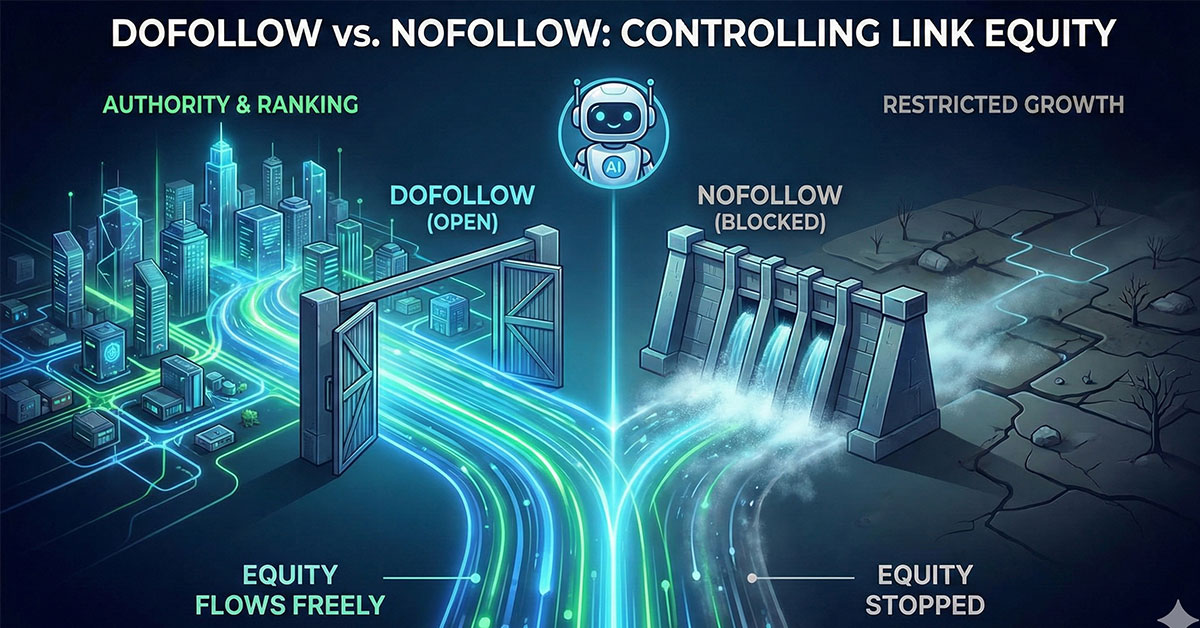
What it tells AI: "I trust this page. Please crawl it and pass my Authority (Link Equity) to it."
-
Impact: It allows authority to flow, which is critical for connecting your content in a robust Topic Cluster structure.
2. Nofollow Links (The Blockade)
-
Code: <a href="page.html" rel="nofollow">Link</a>
-
What it tells AI: "I am linking to this page for utility, but I do not endorse it. Do not pass authority."
-
Impact: It stops the flow of link equity. According to Google's official guidelines on link attributes, it acts as a "hint" for crawling but generally prevents the transfer of ranking power.
The "PageRank Sculpting" Myth
In the early 2000s, SEOs believed they could "sculpt" their site's authority.
-
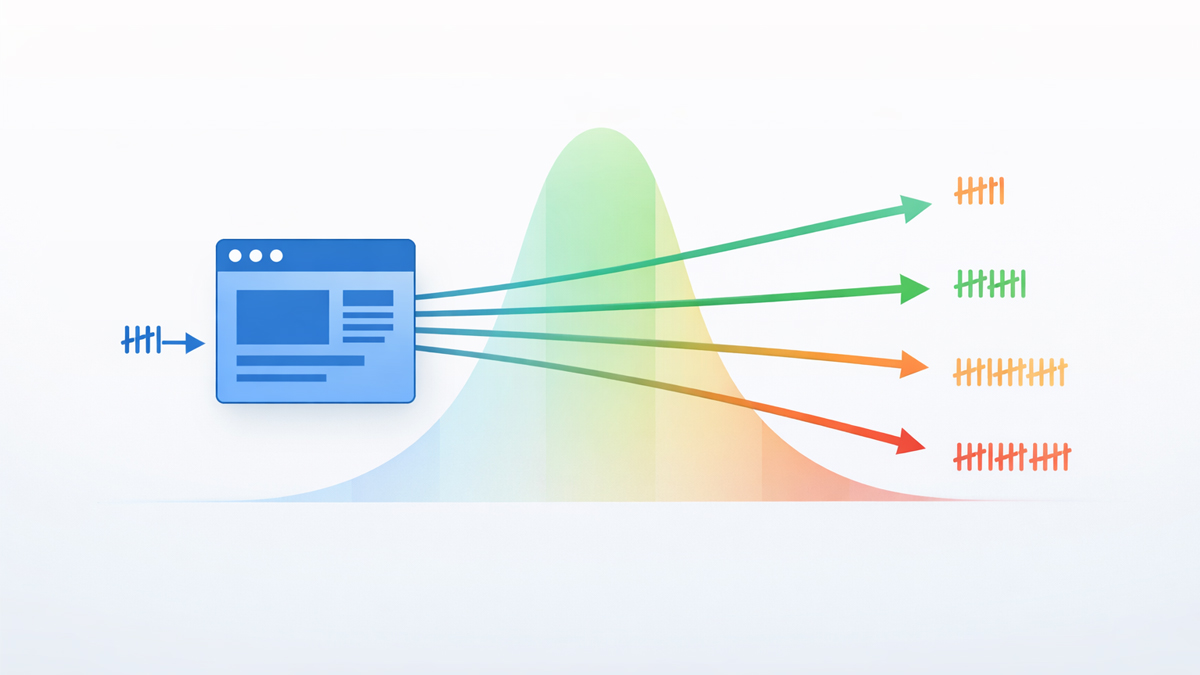
The Theory: "If I have 10 links on a page, and I 'Nofollow' 9 of them, 100% of the juice will flow to the 1 link that matters."
-
The Reality (2026): This does not work. Google changed the math years ago. If you Nofollow internal links, that "juice" doesn't get redirected to other links; it simply evaporates. You are wasting authority, not saving it.
Key Takeaway: Using Nofollow on internal links often does more harm than good. It creates "dead ends" for the bots, similar to the issues caused by broken internal links (404 errors).
Why AI Bots Hate Internal Nofollows
Modern search engines like Google and Perplexity use AI Crawlers to map your site's Knowledge Graph.
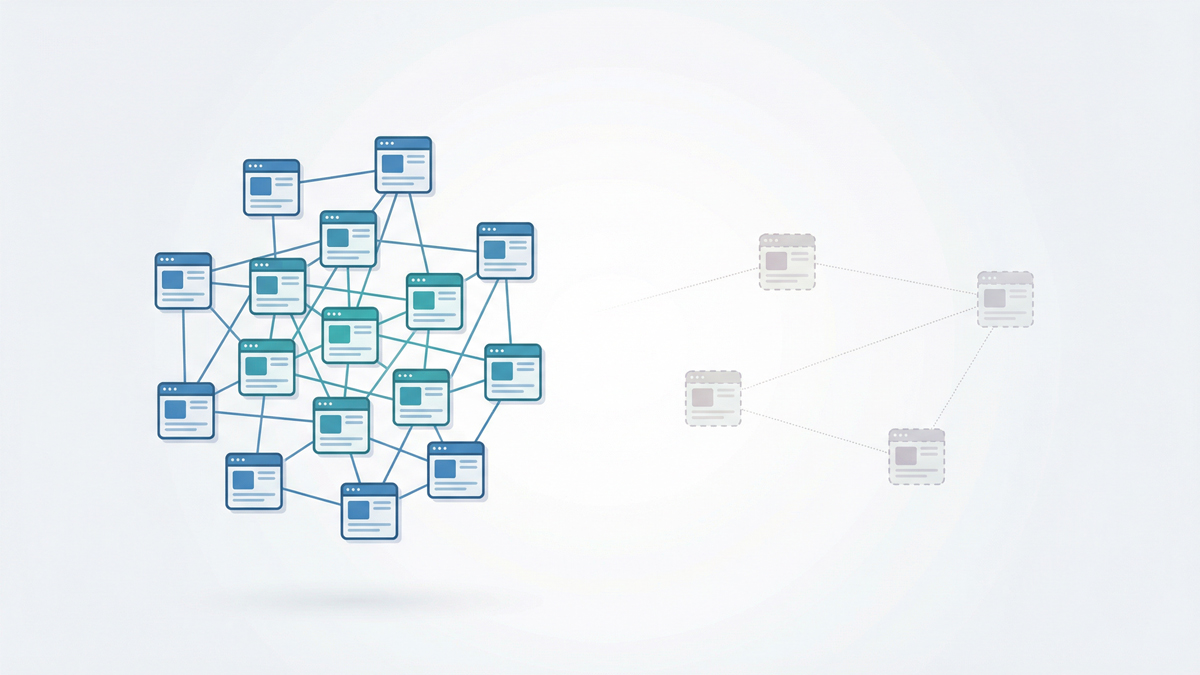
When you Nofollow an internal link (e.g., from a blog post to a product page), you are breaking the semantic connection.
-
Trust Flow Stops: The AI sees the link but assumes the destination is untrusted or irrelevant.
-
Context is Lost: The semantic anchor text you painstakingly optimized carries significantly less weight for ranking when the link is Nofollowed.
-
Crawl Budget Waste: While bots might still crawl the link, they won't prioritize indexing it, which can contribute to pages becoming orphan pages.
As explained in Moz's guide to Link Equity, internal links should almost always remain Dofollow to allow the natural distribution of authority throughout your domain.
When SHOULD You Use Nofollow Internally?
There are very specific edge cases where Nofollow is still best practice for internal links in 2026:
-
Untrusted User Content: If you have a comments section or forum where users post links, use rel="ugc" (User Generated Content) or rel="nofollow" to prevent spam from hurting your reputation.
-
Faceted Navigation: On large e-commerce sites, you might Nofollow filters like "Sort by Price" or "Color: Blue" to prevent bots from wasting budget on thousands of duplicate URL variations.
-
Non-Indexable Utility Pages: Links to "Login," "My Account," or "Print This Page" do not need SEO value.
How to Audit Your Site for Accidental Nofollows
A common issue we see is website themes or plugins accidentally adding nofollow tags to important buttons or sidebar widgets.
You need to scan your site to ensure your authority is flowing freely.
The Audit Workflow:
-
Run the Scan: Use the SEO Shouts Internal Link Checker. It captures the rel attribute for every link it finds.
-
Filter by Attribute: In the results table, sort the "Rel" column.
-
Identify Errors: Look for any internal link marked nofollow that points to a Blog Post, Category, or Product.
-
The Fix: Go to your CMS and remove the tag. Make it a standard link.
Conclusion: Let the River Flow
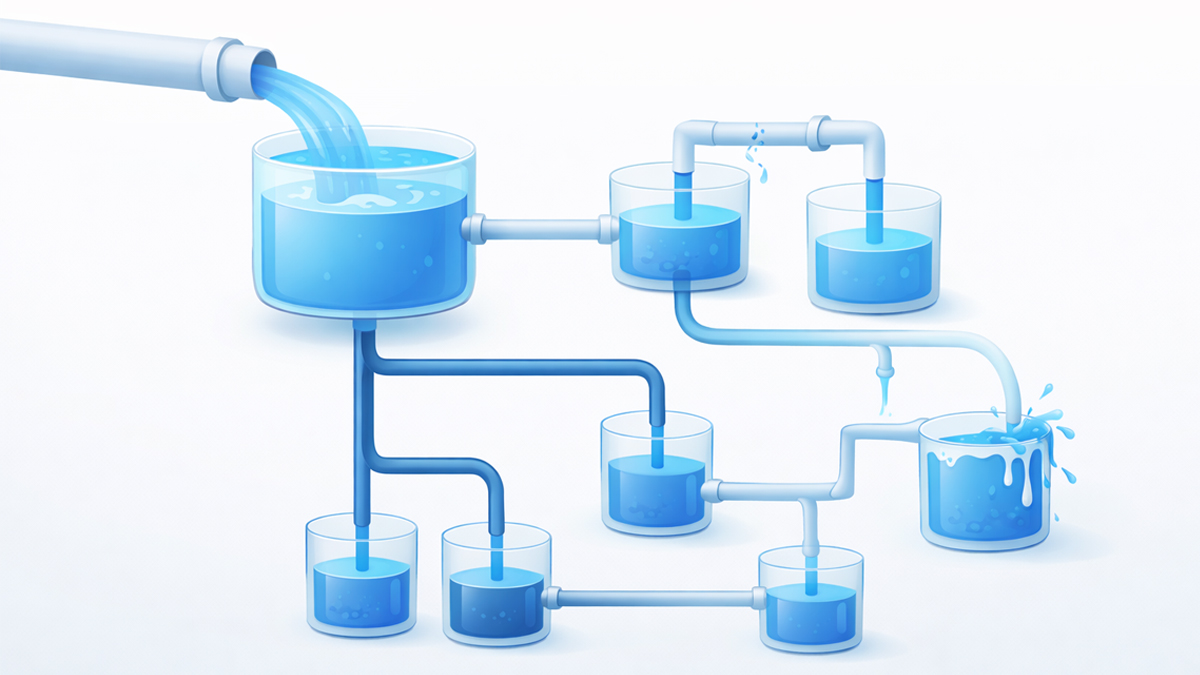
Think of your website's authority as a river. Internal links are the channels that guide the water to your crops (pages).
Putting "Nofollow" dams in the river doesn't make the water flow stronger elsewhere-it just dries up your fields.
For modern AI SEO, the rule is simple: Trust your own content. Keep your internal links Dofollow.
Are you accidentally blocking your own rankings?
Check your link attributes for free and remove the dams holding back your growth.