In the mid-2000s, SEOs thought they had found a loophole.
They invented a technique called "PageRank Sculpting."
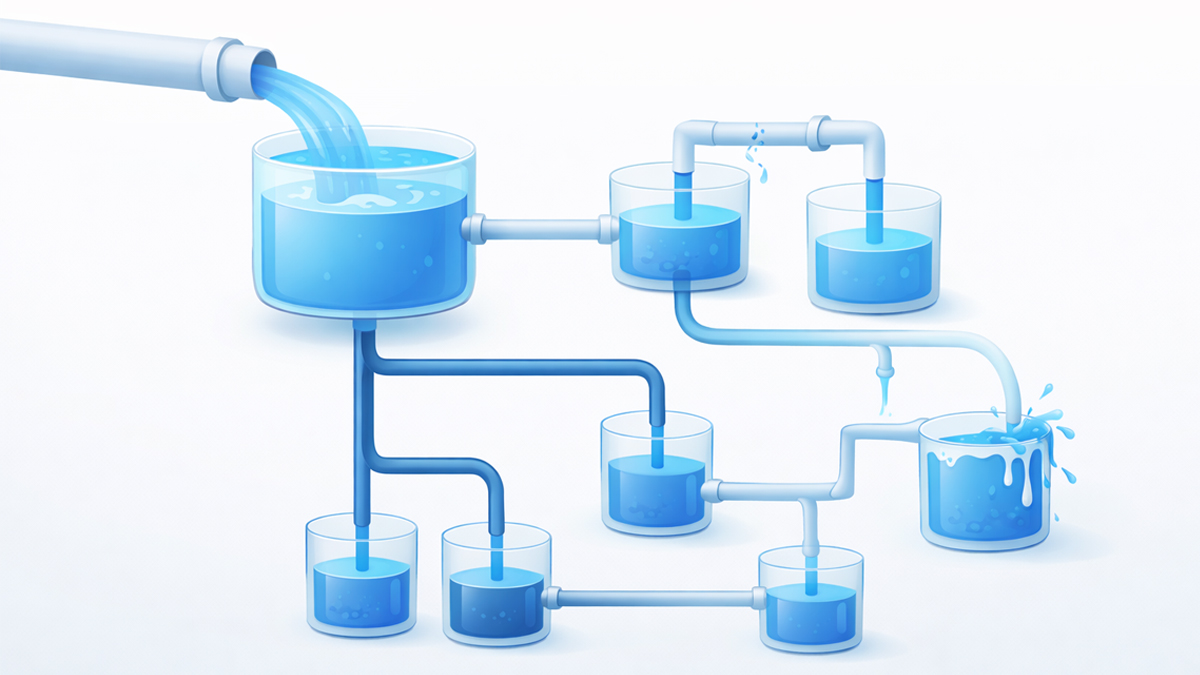
The theory was simple: If you have 10 links on a page, but you add a rel="nofollow" tag to 9 of them, 100% of your authority will funnel into that one remaining link. It was a way to manipulate the system.
In 2026, this strategy is dead.
Google patched this loophole over a decade ago.
Today, misusing the nofollow attribute on your internal links doesn't "save" authority-it destroys it.
It creates dead ends for AI crawlers and stops your PageRank from flowing naturally.
Yet, there are still specific scenarios where using nofollow is essential for saving Crawl Budget.
This guide explains the difference between Dofollow and Nofollow, debunks the sculpting myth, and reveals the only 3 times you should ever use nofollow internally.
The Definitions: What Are Link Attributes?
By default, every link on the web is a "Dofollow" link.
You don't need to add code to make it happen; it's the standard state.
1. Dofollow (The Default)
- Code: <a href="page.html">Link</a>
- What it tells the bot: "Follow this link. Index the target page. Pass my authority (PageRank) to it."
- SEO Impact: High. This is how you build authority.
2. Nofollow (The Stop Sign)
- Code: <a href="page.html" rel="nofollow">Link</a>
- What it tells the bot: "You can see this link, but do not follow it. Do not pass any authority to the target page."
- SEO Impact: Zero (for ranking purposes).
3. Sponsored & UGC (The Modern Variants)
In recent years, Google introduced specific variations for clarity:
- rel="sponsored": For paid ads or affiliate links.
- rel="ugc": For User Generated Content (like blog comments) to prevent spam.
The "PageRank Sculpting" Myth
Why do SEOs still try to "sculpt" their site?
Because they believe authority is a bucket of water that can be poured precisely.
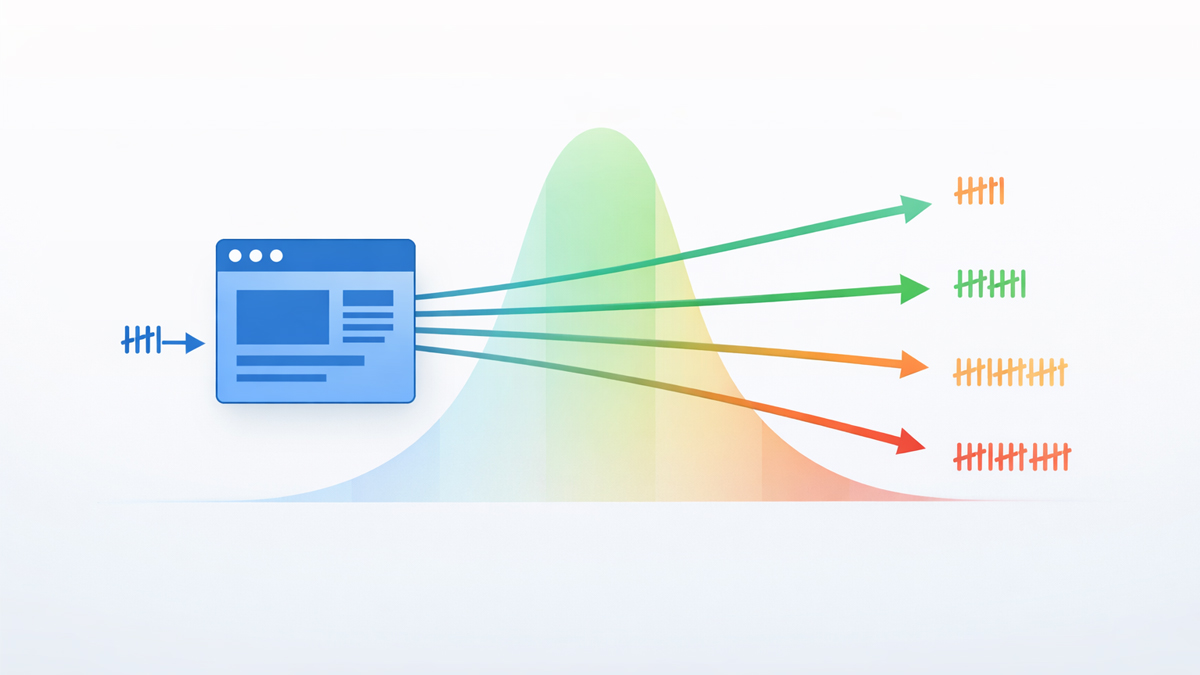
How Google Handle it Now: Imagine you have 100 points of authority and 10 links.
- Old Way (Sculpting): You nofollow 5 links. The remaining 5 links get 20 points each. (Total passed: 100).
- Modern Way: You nofollow 5 links. Google still divides by 10. The remaining 5 links get 10 points each. The other 50 points effectively "evaporate."
According to Ahrefs' study on PageRank, using nofollow to hoard authority often hurts your site more than it helps.
It blocks the natural flow of equity to your deep pages.
The Rule for 2026: Never use nofollow on standard internal navigation (e.g., "About Us", "Contact", or "Blog Category" pages).
Let the authority flow naturally.
The 3 Exceptions: When to Use Nofollow Internally
While you shouldn't use it for sculpting, you should use it to manage Crawl Budget-ensuring the bot doesn't waste time on useless pages.
Exception 1: Faceted Navigation (Filters)
If you run an e-commerce site, you likely have filters like "Sort by Price," "Color: Red," or "Size: Small."
These generate thousands of unique URLs (e.g., ?color=red&size=small).
- The Risk: Googlebot gets trapped crawling millions of filter combinations that have duplicate content.
- The Fix: Use rel="nofollow" on these filter links to tell the bot: "Don't waste time here. Just index the main category."
Exception 2: User Login & Admin Pages
There is no reason for Google to crawl your "Login," "Register," or "Reset Password" pages.
They contain no content and are blocked by a login wall anyway.
-
The Fix: Add nofollow to these links in your footer or header to save crawl budget for your articles.
Exception 3: "Print" or "PDF" Versions
If you have a button that says "Print this Article," it often generates a clean URL just for printing.
This is duplicate content.
-
The Fix: Nofollow the print link (or use a Canonical Tag) to ensure Google ranks the web version, not the print version.
How to Audit Your Nofollow Tags
Are you accidentally blocking your own rankings?
A surprising number of websites have nofollow tags on their "Read More" buttons due to bad theme coding.
Step 1: Crawl Your Site
Use the SEO Shouts Internal Link Checker to scan your pages.
Step 2: Check the "Rel" Column
Sort your link report by the "Attribute" or "Rel" column.
- Look for: nofollow tags pointing to your own blog posts or service pages.
- Action: If you find them, remove them immediately. You are telling Google your own services are untrustworthy.
Step 3: Verify External Links
Check your external links.
According to Google's Search Central guidelines, you should use nofollow or sponsored for any paid affiliate links to avoid penalties.
Conclusion: Trust Your Own Content
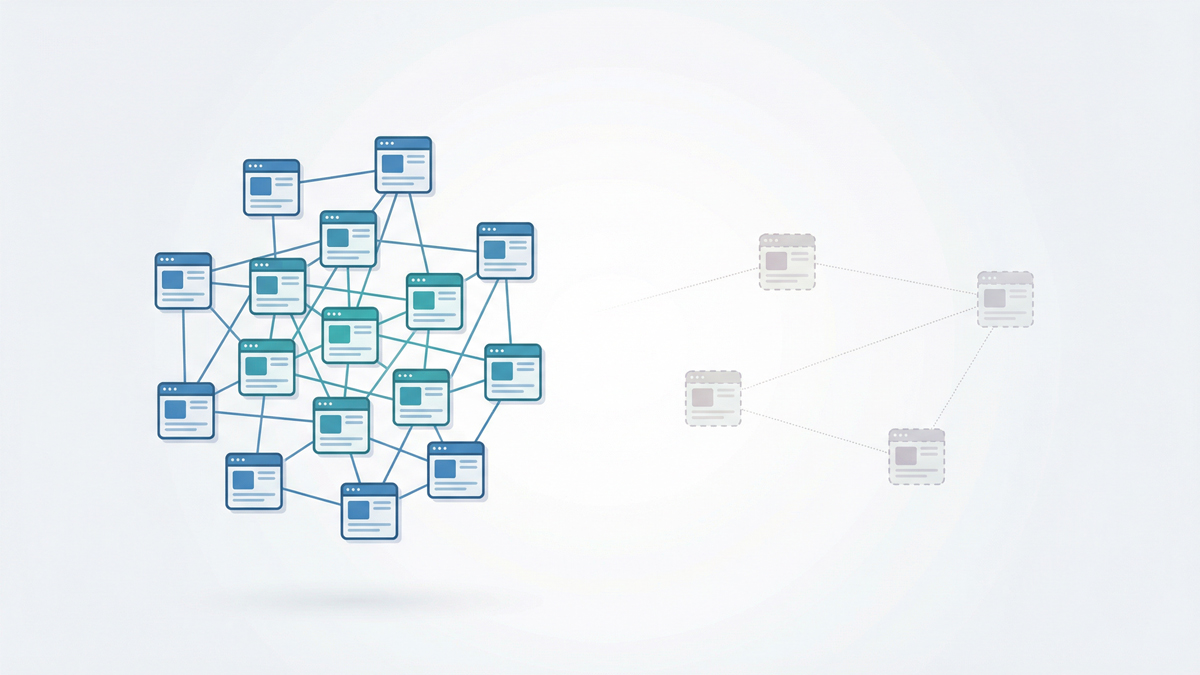
Internal linking is about building a web of trust.
When you add a nofollow tag to an internal link, you are effectively telling Google: "I don't trust this page on my own website."
If the page is low quality, delete it or improve it.
Don't just nofollow it.
In 2026, the strategy is simple:
- Internal Links: 99% Dofollow.
- Paid/Affiliate Links: 100% Sponsored/Nofollow.
- Useless Parameters: Nofollow.
Are you accidentally blocking your best pages? Run a free audit to find hidden nofollow tags now.