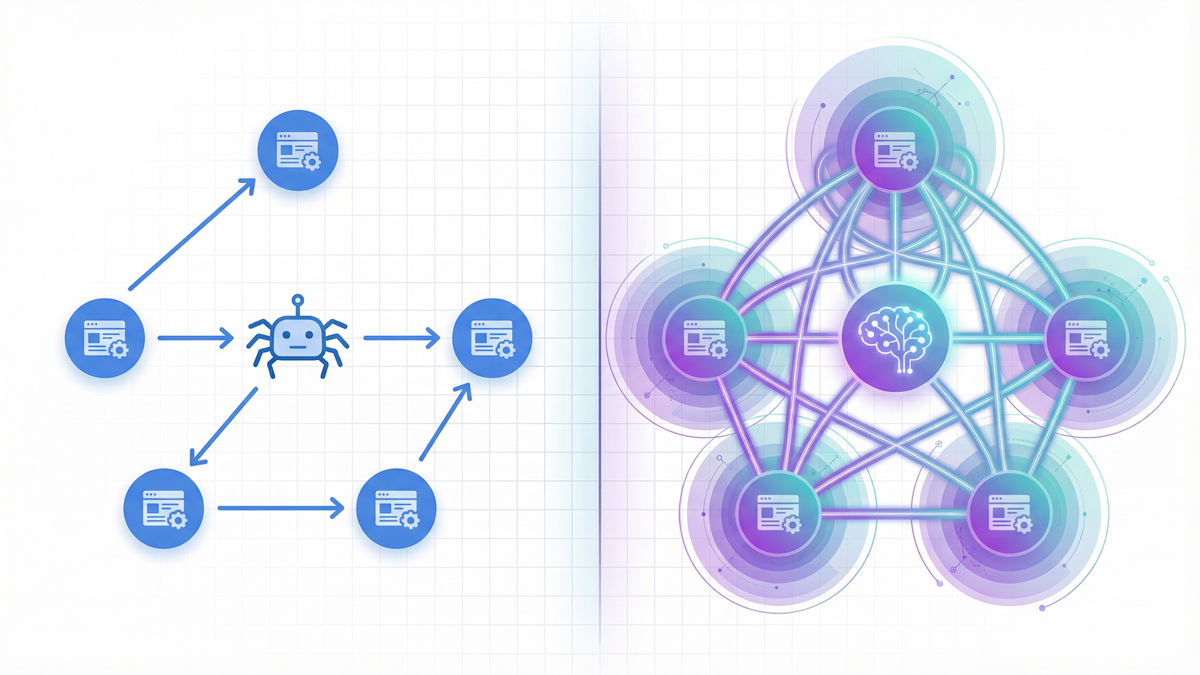
AI crawlers like GPTBot, ClaudeBot, and PerplexityBot each operate a multi-tier bot system, process JavaScript differently, follow internal links at different depths, and extract different signals from your anchor text.
Understanding these differences is the technical foundation of optimizing your site for AI search visibility.
This guide breaks down every major AI crawler's bot structure, crawl behavior, JavaScript capabilities, and internal link processing with specific robots.txt configurations and internal linking strategies for each platform.
The Three-Tier Bot System: Why One Robots.txt Rule Isn't Enough
Every major AI company now operates multiple crawlers, each serving a different purpose.
The old approach of simply blocking or allowing "the AI bot" no longer works.
You need separate robots.txt rules for each tier.
Tier 1: Training Crawlers
These bots collect web content to train AI language models.
They crawl at high volume and don't return traffic to your site.
- GPTBot (OpenAI) - Collects training data for GPT models. User agent:
GPTBot/1.0. Continuous crawling at moderate request rates. Vercel's data shows GPTBot generated 569 million requests in a single month across their network. - ClaudeBot (Anthropic) - Collects training data for Claude models. Previously, the most aggressive AI crawler, generating burst traffic that could overwhelm servers. Cloudflare data from 2025 showed a crawl-to-refer ratio of approximately 71,000:1, meaning 71,000 crawl requests for every single referral visit. However, Anthropic has since scaled back, with bot traffic dropping 86.7% from January peaks.
- Google-Extended - Collects data specifically for Google's generative AI features (Gemini, AI Overviews). Operates separately from the standard Googlebot. Blocking Google-Extended does not affect your regular Google search rankings.
Tier 2: Search Index Crawlers
These bots build the indexes that power AI search features.
Blocking them directly reduces your AI search visibility.
- OAI-SearchBot (OpenAI) - Builds the index for ChatGPT's search feature. OpenAI explicitly states that sites that block OAI-SearchBot will not appear in ChatGPT search results. GPTBot and OAI-SearchBot share information to avoid duplicate crawling when both are allowed.
- Claude-SearchBot - (Anthropic) New crawler introduced in early 2026. Builds the index for Claude's search functionality. Anthropic says blocking it "may reduce" visibility in Claude's search results.
- PerplexityBot - Builds Perplexity's AI search index. Unlike OpenAI and Anthropic, Perplexity does not use this crawler for model training; it only uses it for search indexing. Perplexity has been documented as crawling more aggressively than GPTBot, especially on technology, business, and analytics sites.
Tier 3: User-Initiated Fetchers
These bots activate only when a real user asks the AI to retrieve a specific page.
- ChatGPT-User (OpenAI) - Fetches pages in real-time when a ChatGPT user invokes web browsing. OpenAI explicitly states this bot may not be governed by robots.txt.
- Claude-User (Anthropic) - Real-time page fetcher for Claude queries. Anthropic claims all three of its bots honor robots.txt, including Claude-User, unlike OpenAI's more permissive stance on ChatGPT-User.
- Perplexity-User - On-demand fetcher when users click citations in Perplexity. Perplexity's documentation indicates this bot generally ignores robots.txt.
The practical takeaway: Blocking a training crawler (GPTBot) does NOT block the corresponding search crawler (OAI-SearchBot). You can prevent your content from being used in training while still appearing in AI search results. This selective approach is the most popular strategy in 2026, adopted by the majority of news sites and content publishers.
How Each AI Crawler Follows Internal Links
AI crawlers discover your pages by following internal links, just like Googlebot.
But their link-following behavior differs in important ways.
Crawl Budget Differences
Googlebot crawls 4.5 billion pages per month across the web (Vercel data).
All AI crawlers combined account for roughly 1.3 billion fetches, about 28% of Googlebot's volume.
This means AI crawlers are significantly more selective about which pages they visit.
For your internal linking strategy, this has a direct consequence: pages that Google's massive crawl budget reaches at depth 4+ may never be reached by AI crawlers.
If you want AI search visibility, important content must be within 2-3 clicks of your homepage, even stricter than the 3-click rule for traditional SEO.
Link-Following Patterns
AI crawlers show less predictable URL selection compared to Googlebot.
Vercel's analysis found that pages with higher organic traffic receive more frequent AI crawler visits, but the correlation is weaker than with Googlebot.
AI crawlers also generate significantly higher 404 error rates, suggesting they attempt to fetch URLs from outdated caches or broken references.
This means your internal link hygiene matters more for AI crawlers than for Google.
Broken internal links that Google handles gracefully (by skipping them) may cause AI crawlers to waste their limited budget on dead ends.
Run a monthly audit with the SEOShouts Internal Link Checker to catch broken links before AI crawlers do.
Anchor Text Processing
Here's where AI crawlers diverge most from Googlebot.
Google uses anchor text primarily as a keyword relevance signal "this link says 'SEO audit' so the destination page is probably about SEO audits."
AI crawlers feed anchor text and surrounding context into language models that build semantic understanding.
The entire paragraph around your link becomes input that shapes how the AI associates topics.
Descriptive, natural-language anchors provide far richer semantic signals than keyword-focused anchors.
According to seoClarity, strong internal linking gives AI engines clearer semantic signals for generative results.
This is because AI models use your link structure as a proxy for your site's knowledge organization, and how you connect ideas reveals what you understand and how deeply.
JavaScript Rendering: The Critical Technical Gap
This is the most common technical reason sites are invisible to AI search engines.
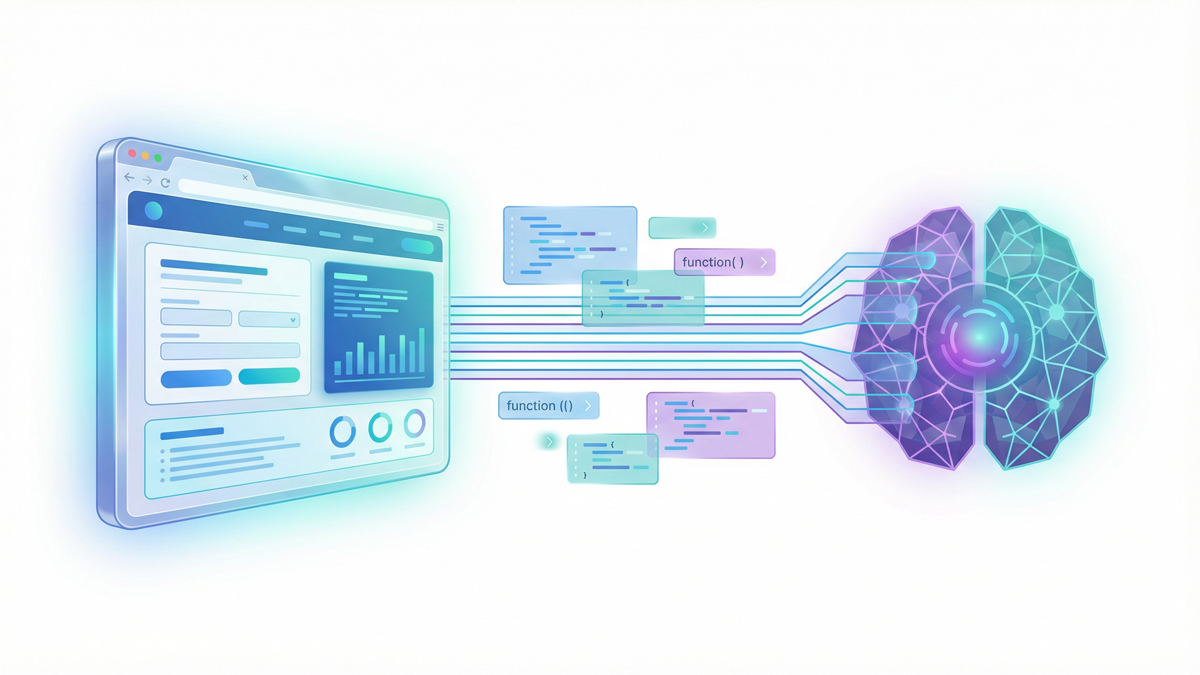
Vercel's detailed analysis of AI crawler behavior confirmed that GPTBot, ClaudeBot, and PerplexityBot do not render JavaScript in the way Googlebot does.
Googlebot runs a full headless Chrome renderer that executes JavaScript and processes the resulting DOM.
AI crawlers primarily fetch raw HTML.
What This Means for Internal Links
If your site uses a JavaScript framework (React, Next.js, Vue, Angular) and your internal links are generated client-side, AI crawlers cannot see them.
The links exist in the rendered page that human visitors see, but the raw HTML that AI crawlers receive contains none of those links.
This creates a devastating problem: your site may have 50 carefully planned internal links per page, but AI crawlers see zero.
Your semantic structure is invisible.
Your topic clusters are disconnected.
Your link equity pathways don't exist in the AI crawler's view of your site.
How to Fix It
Server-side rendering (SSR) is the strongest solution.
Ensure your HTML source contains all critical content and internal links before any JavaScript executes.
Modern frameworks like Next.js support SSR natively; the key is ensuring your internal links appear in the initial HTML payload.
Pre-rendering services (like Prerender.io) generate static HTML snapshots of your JavaScript pages and serve them to AI crawlers.
This gives AI bots a complete, link-rich page without requiring JavaScript execution.
Test your pages as AI crawlers see them. Use curl to fetch your page without
curl -A "GPTBot/1.0" https://yoursite.com/your-page/If the returned HTML doesn't contain your internal links, AI crawlers can't see them either. Fix this before any other optimization.
Our tool page content instructions specify that all interactive content must render in raw HTML for exactly this reason; AI crawler accessibility is built into the architecture from day one.
The Complete AI Crawler Reference Table
Here's every major AI crawler you need to know about, organized by company and purpose:
| Company | Bot Name | Purpose | Respects robots.txt | Crawl Volume |
|---|---|---|---|---|
| OpenAI | GPTBot | Model training | ✅ Yes | 569M reqs/mo (Vercel) |
| OAI-SearchBot | ChatGPT search index | ✅ Yes | Moderate | |
| ChatGPT-User | Real-time user browsing | ⚠️ May not fully | On-demand only | |
| Anthropic | ClaudeBot | Model training | ✅ Yes | 370M reqs/mo (Vercel) |
| Claude-SearchBot | Claude search index | ✅ Yes | Undisclosed | |
| Claude-User | Real-time user queries | ✅ Yes (claimed) | On-demand only | |
| Perplexity | PerplexityBot | AI search index | ✅ Yes | Growing fast (+157,490% YoY) |
| Perplexity-User | Citation click retrieval | ⚠️ Generally ignores | On-demand only | |
| Googlebot | Traditional search | ✅ Yes | 4.5B reqs/mo | |
| Google-Extended | AI features (Gemini, AIO) | ✅ Yes | Part of Googlebot | |
| Apple | Applebot | Siri, Spotlight, Apple Intelligence | ✅ Yes | Significant |
| Amazon | Amazonbot | Alexa, Amazon search AI | ✅ Yes | Moderate |
Key takeaway: You need at minimum 6 separate user-agent entries in your robots.txt to properly control AI crawler access. Use the SEOShouts Robots.txt Generator to build these directives correctly.
Robots.txt Strategy: The 2026 Balanced Approach
The most effective robots.txt strategy separates training bots from search bots.
Here's the configuration pattern adopted by the majority of forward-thinking publishers:
Allow search crawlers (AI search visibility):
- OAI-SearchBot → Appear in ChatGPT search
- ChatGPT-User → Allow real-time retrieval
- Claude-SearchBot → Appear in Claude search
- Claude-User → Allow real-time retrieval
- PerplexityBot → Appear in Perplexity search
- Google-Extended → Appear in AI Overviews
Block training crawlers (protect content from model training):
- GPTBot → Prevent ChatGPT training use
- ClaudeBot → Prevent Claude training use
- CCBot → Prevent Common Crawl training use
- Bytespider → Prevent ByteDance training use
Optional decisions based on your goals:
- Amazonbot → Allow if Alexa visibility matters
- Applebot → Allow if Apple Intelligence visibility matters
A BuzzStream study found that 79% of top news sites block at least one AI training bot.
Meanwhile, Hostinger's analysis of 66.7 billion bot requests showed that OpenAI's search crawler coverage grew from 4.7% to over 55% of sites during the same period that its training crawler coverage dropped from 84% to 12%.
Sites are actively choosing: allow search, block training.
This is the exact pattern our robots.txt generator implements with AI crawler presets.
How Internal Link Structure Affects AI Crawler Efficiency
AI crawlers have limited budgets.
Every internal link they follow either leads to valuable content or wastes a crawl slot.
Your internal link architecture determines how efficiently AI crawlers map your site.
Topic Clusters Maximize Crawl Efficiency
When AI crawlers follow your topic cluster architecture, they discover your complete expertise on a topic through a logical chain: pillar page → cluster article → related cluster → back to pillar.
Each hop reinforces the semantic map.
If your content is scattered without a cluster structure, AI crawlers discover isolated pages with no semantic connections.
The AI model assigns lower topical authority because it can't trace how your knowledge fits together.
Broken Links Waste AI Crawl Budget
Vercel's data showed that AI crawlers generate significantly higher 404 error rates than Googlebot, spending crawl budget on pages that don't exist.
Every broken internal link that AI crawlers encounter is a wasted opportunity. Google's crawler has learned to handle 404s efficiently over decades.
AI crawlers are newer and less sophisticated at URL validation.
Fix all broken internal links.
Redirect moved pages.
Remove links to deleted content.
This basic hygiene has an outsized impact on AI crawl efficiency.
Orphan Pages Are Invisible to AI
If a page has zero incoming internal links, AI crawlers literally cannot reach it unless they discover it through external sources.
Screaming Frog data shows orphan pages receive zero organic traffic in 96% of cases.
For AI crawlers with smaller budgets, the number is effectively 100%.
Every page you want visible in AI search needs a minimum of 3 incoming internal links from relevant, crawlable pages.
Dead-End Pages Block Semantic Mapping
Pages with incoming links but zero outgoing links create dead ends in the AI's semantic map.
The AI crawler arrives, reads the content, but has nowhere to go next.
This breaks the chain of topical connections that AI uses to build authority maps.
Ensure every page on your site has both incoming AND outgoing internal links.
Link equity should flow in both directions.
Pages that receive authority should also distribute it.
Optimizing Internal Links for AI Crawlers: Checklist
Use this checklist to ensure your internal linking supports AI crawler discovery and semantic mapping:
Technical accessibility:
☐ All AI search crawlers allowed in robots.txt (OAI-SearchBot, Claude-SearchBot, PerplexityBot, Google-Extended)
☐ Critical content and internal links render in raw HTML (not JavaScript-only)
☐ No broken internal links returning 404 status codes
☐ No redirect chains longer than 1 hop in internal links
☐ XML sitemap submitted to Google, Bing, and referenced in robots.txt
☐ Server response time under 500ms for AI crawler requests
Link architecture:
☐ All important pages within 2-3 clicks of homepage
☐ Complete topic clusters with bidirectional linking (pillar ↔ cluster ↔ cluster)
☐ Zero orphan pages, every page has 3+ incoming internal links
☐ Zero dead-end pages; every page has 2+ outgoing internal links
☐ Total links per page between 45-50 (including navigation)
Semantic signals:
☐ Anchor text is descriptive and natural-language (not keyword-stuffed)
☐ Surrounding sentences provide additional context about the destination page
☐ Each target URL receives 5+ unique anchor text variations across the site
☐ Anchor text ratio follows the 50-60% descriptive / 20-25% branded / 10-15% exact match pattern
☐ Schema markup implemented for content type identification
Monitoring:
☐ Server logs checked monthly for GPTBot, ClaudeBot, and PerplexityBot activity
☐ AI visibility tested weekly across ChatGPT, Perplexity, Claude, and Gemini
☐ Internal link checker runs monthly to catch new broken links and anchor text drift
☐ Crawl depth audited quarterly using the on-page SEO analyzer or Screaming Frog
What's Changing: The AI Crawler Landscape in 2026
Three trends are reshaping how AI crawlers interact with your internal links this year.
Trend 1: The training/search split is widening
Every major AI company now separates training crawlers from search crawlers.
The practical implication: blocking training doesn't cost you search visibility.
Publishers are increasingly allowing search bots while blocking training bots, and AI companies are respecting this distinction.
This is the new standard.
Trend 2: Crawl volumes are still growing
PerplexityBot recorded a staggering 157,490% increase in raw requests year-over-year, according to Cloudflare's data.
GPTBot grew 305%.
As AI search usage expands, AI crawlers will request more pages more frequently.
Sites with efficient internal link structures will be crawled more completely; sites with poor architecture will see AI crawlers waste their budget on dead ends and broken paths.
Trend 3: WebMCP may transform how AI agents interact with sites
Google's WebMCP protocol (launched February 2026 in Chrome Canary) proposes that websites declare callable actions as structured tools for AI agents.
While still experimental, this could evolve how AI crawlers discover and interact with your site, moving from passive link-following to active capability discovery.
Internal links may become not just navigation pathways but semantic declarations of expertise.
The bottom line: AI crawlers are getting smarter, more frequent, and more selective. The sites with clean internal link architecture, strong topic clusters, and proper crawler access will capture an increasingly valuable share of AI-driven traffic. The sites that don't will become progressively more invisible as AI search grows.
Frequently Asked Questions
What AI crawlers should I allow in robots.txt?
For maximum AI search visibility, allow: OAI-SearchBot and ChatGPT-User (ChatGPT search), Claude-SearchBot and Claude-User (Claude search), PerplexityBot (Perplexity search), and Google-Extended (Gemini/AI Overviews).
You can block training-only crawlers (GPTBot, ClaudeBot) without affecting search visibility.
This is the most popular 2026 strategy.
Can AI crawlers render JavaScript?
Most cannot. Vercel's analysis confirmed that GPTBot, ClaudeBot, and PerplexityBot primarily fetch raw HTML without JavaScript rendering.
If your internal links are generated client-side through JavaScript frameworks, AI crawlers won't see them. Server-side rendering or pre-rendering is essential.
How much traffic do AI crawlers generate?
AI crawler traffic is substantial. GPTBot alone generated 569 million requests in one month across Vercel's network.
All major AI crawlers combined account for about 28% of Googlebot's volume (1.3 billion vs 4.5 billion monthly fetches).
PerplexityBot showed the fastest year-over-year growth at 157,490%.
Does blocking GPTBot prevent my site from appearing in ChatGPT?
No GPTBot handles model training, not search. For ChatGPT search visibility, OAI-SearchBot is the relevant crawler.
OpenAI explicitly states that sites blocking OAI-SearchBot won't appear in ChatGPT search results.
You can block GPTBot (training) while allowing OAI-SearchBot (search).
Which AI crawler matters most for SEO?
It depends on your audience and which AI platforms your customers use.
For broad visibility: allow all search-tier crawlers (OAI-SearchBot, Claude-SearchBot, PerplexityBot, Google-Extended).
Perplexity is particularly valuable because it indexes faster and cites more sources per answer (5-15 citations).
For Google AI Overviews, Google-Extended is the only relevant crawler.
How do I check if AI crawlers are visiting my site?
Search your server access logs for known user agent strings: "GPTBot," "ClaudeBot," "PerplexityBot," "OAI-SearchBot." Use grep "GPTBot" access.log | wc -l to count requests.
Cloudflare users can filter bot traffic in their dashboard. If you see zero AI crawler activity, check your robots.txt for accidental blocks.