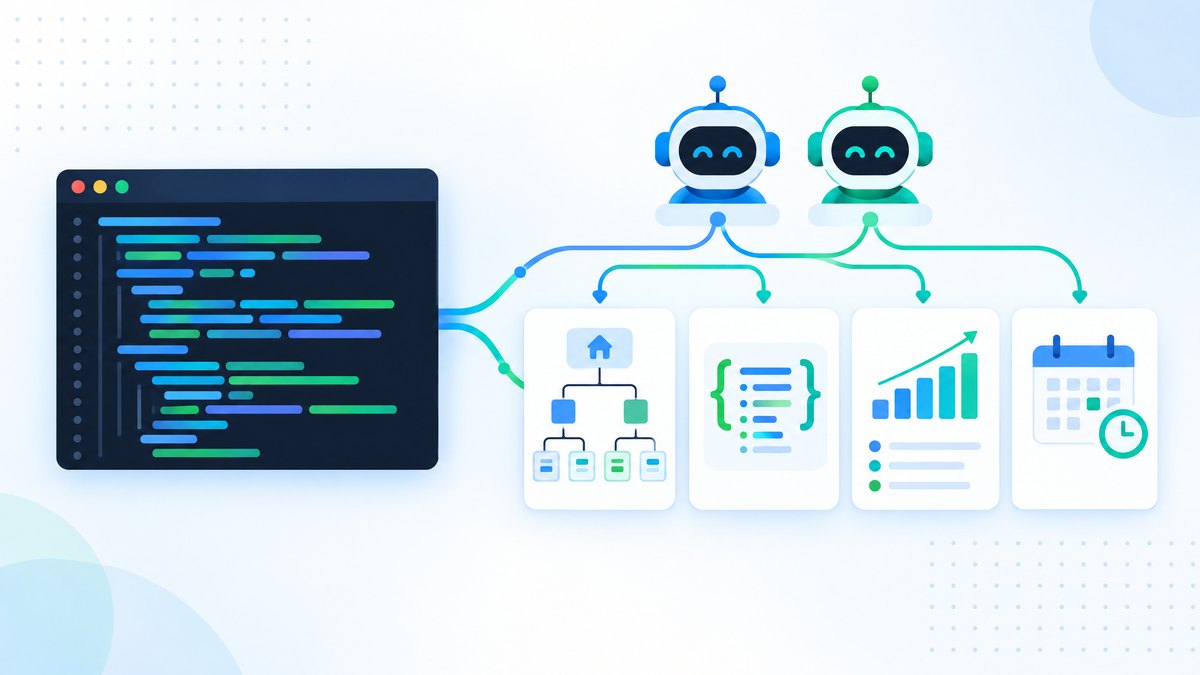
Build a multi-agent SEO system with Claude Code. CLAUDE.md setup, 4 parallel subagents, MCP data connections, and reproducible audit workflows you can run today.
TL;DR: An AI SEO agent in Claude Code is a CLAUDE.md file with your methodology, four specialist subagents (technical, content, schema, GEO) and MCP connections to live data, run with one prompt or on a schedule.
Each subagent works in its own context window, so they run in parallel without crowding each other out.
We run SEOShouts' own audits from a Claude Code workspace connected to our Search Console and GA4 data.
The catch: without verification rules the agent will report confident findings that are wrong, so spot-checks are part of the build.
An AI SEO agent is a set of Claude Code subagents that run SEO audits, content analysis and GEO checks in parallel, using live data from MCP-connected tools like Ahrefs and Google Search Console.
You configure it once with a CLAUDE.md file, define each specialist subagent as a Markdown file, and run the whole workflow with one prompt.
This guide walks through the build: writing CLAUDE.md, creating four subagents, connecting MCP data, running the parallel audit, scheduling it, and adding the verification loops that stop the agent from producing confidently wrong output.
Why Build an SEO Agent Instead of Just Prompting Claude?
Prompting is asking a question.
Building an agent is designing a system.
When you prompt Claude Code with "audit this site for SEO issues," the scope, depth and format change every time.
An agent applies the same method on every run.
That matters for three reasons.
Consistency. An audit run today produces the same checks in the same format as one run next month, so you and your clients can compare results over time.
Parallel work. Claude Code can delegate to several subagents at once, each in its own context window.
A technical subagent, content subagent, schema validator and GEO checker can run side by side, and the noisy crawl output of one never fills the context the others need.
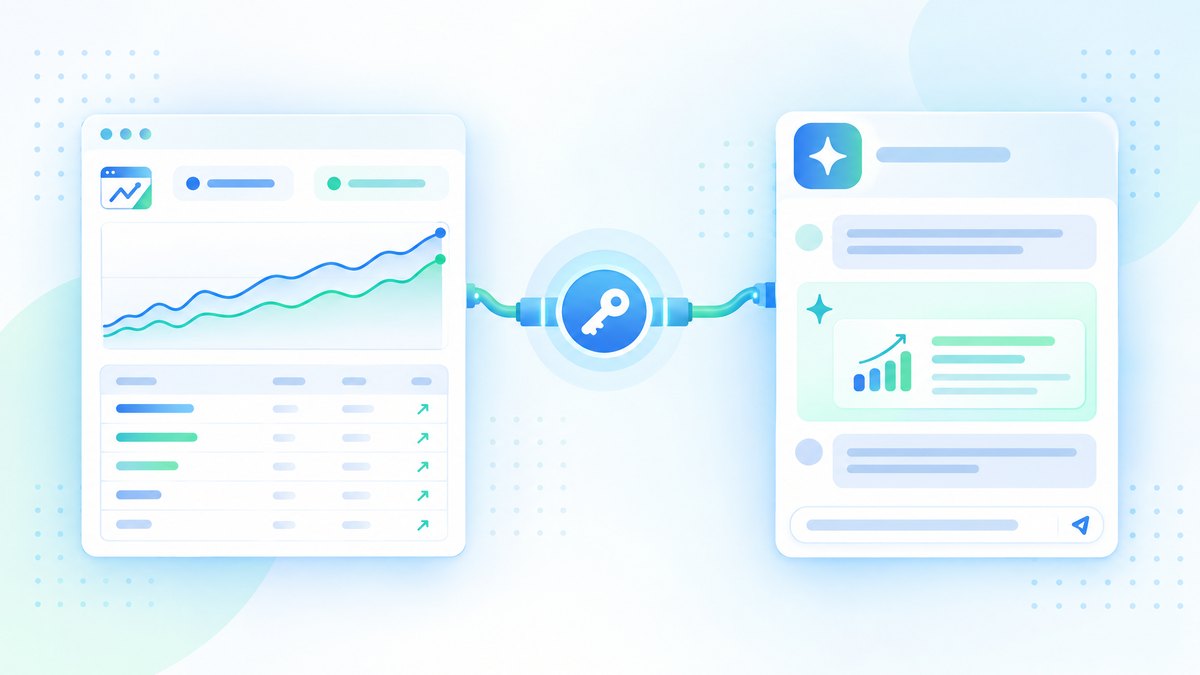
Data integration. With MCP servers for SEO data connected, the agent pulls rankings from Ahrefs, indexing status from Search Console and traffic from GA4 inside one workflow, with no manual exports.
For most SEO audits, four to six parallel subagents is a sensible range: enough to cover the main areas without multiplying usage for little gain.
Step 1: Configure CLAUDE.md for SEO
CLAUDE.md is a Markdown file in your project root that Claude Code loads into context at the start of every session.
It is the agent's standing instructions: your audit method, quality standards and output preferences.
Keep it short.
Everything in CLAUDE.md uses context in every session, and long files are followed less reliably.
A couple of hundred lines is a sensible ceiling.
Here is a working CLAUDE.md for SEO:
# SEO Agent Configuration

## Role
You are an SEO analyst working on seoshouts.com.
Your analysis is factual and data-driven.
Never use promotional language.

## Audit Method
When auditing a page or site, check these in order:
1. Crawlability: robots.txt, sitemap, canonical tags, noindex
2. Indexing: Search Console status (if MCP connected), URL inspection
3. Technical: status codes, redirect chains,
   Core Web Vitals (LCP, INP, CLS)
4. Content: title, meta description, single H1,
   direct answer in the first 50 words
5. Schema: JSON-LD validity, expected types by page category
6. Internal links: incoming links per page, anchor variety,
   orphan pages, crawl depth
7. GEO/AEO: AI crawler access, content in raw HTML,
   self-contained sections, FAQ structure

## Quality Standards
- Never invent statistics. Say "no data" when data is missing.
- Classify every finding: Critical / High / Medium / Low
- Every finding states what is wrong, why it matters, and the fix

## Output Format
- Save reports as markdown in ./reports/
- Put a pass/fail summary table at the top
- Export all findings as CSV for tracking

## Reference Files (read when relevant)
- Internal linking rules: docs/internal-linking-rules.md
- Schema requirements by page type: docs/schema-requirements.md
A note on the reference files: CLAUDE.md supports @path imports, but imported files load into context at startup just like CLAUDE.md itself.
To keep context lean, list long reference files as plain paths and tell Claude to read them when relevant, or turn them into skills, which load only when used.
Step 2: Create Specialised SEO Subagents
Subagents are specialist assistants that Claude Code delegates work to.
Each runs in its own context window with its own system prompt, tool access and, optionally, its own model.
When a task matches a subagent's description, Claude hands it off and receives a summary back.
Create each subagent as a Markdown file in .claude/agents/ in your project, or run /agents to create them interactively.
Technical SEO subagent (.claude/agents/seo-technical.md)
---
name: seo-technical
description: Analyses crawlability, indexability, status codes,
  redirect chains, Core Web Vitals and AI crawler access.
  Use for technical SEO checks on a URL or site.
tools: Read, Glob, Grep, Bash
model: sonnet
---

You are a technical SEO specialist.
When analysing a URL or site:

1. Fetch the page with curl and record the HTTP status
2. Parse robots.txt for AI crawler rules (GPTBot, OAI-SearchBot,
   ClaudeBot, Claude-SearchBot, PerplexityBot, Google-Extended)
3. Check the canonical tag is self-referencing
4. Find redirect chains (flag anything beyond 1 hop)
5. Check for noindex and nofollow meta tags
6. If the Search Console MCP is available, check index status
7. Flag pages with fewer than 3 incoming internal links
8. Flag pages more than 3 clicks from the homepage

Classify each finding as Critical/High/Medium/Low.
Return the issue, its impact and the specific fix.
Content analysis subagent (.claude/agents/seo-content.md)
---
name: seo-content
description: Evaluates titles, meta descriptions, heading structure,
  content quality and E-E-A-T signals on a page.
tools: Read, Glob, Grep, Bash
---

You are a content SEO analyst. For each page:

1. Check the title: primary topic present, unique on the site
2. Check the meta description: present, unique, describes the page
3. Verify there is exactly one H1
4. Check H2 structure: clear, descriptive, question format where useful
5. Check the opening: does the first paragraph answer the main query?
6. Flag paragraphs longer than 4 sentences
7. Check E-E-A-T signals: author byline, credentials,
   first-hand experience, cited sources
8. If the Ahrefs MCP is available, pull current rankings for the page
Schema validation subagent (.claude/agents/seo-schema.md)
---
name: seo-schema
description: Validates JSON-LD structured data, checks expected types
  by page category and generates corrected markup.
tools: Read, Glob, Grep, Write, Bash
---

You are a schema markup specialist. For each page:

1. Extract all JSON-LD blocks from the raw HTML
2. Check each block parses and has the required properties
3. Check expected types by page category:
   - Blog posts: Article + BreadcrumbList (+ FAQPage if a visible FAQ exists)
   - Tool pages: WebApplication + BreadcrumbList
   - Service pages: ProfessionalService + BreadcrumbList
4. Verify FAQ markup matches the visible FAQ text exactly
5. Check author markup: name, url, jobTitle, worksFor
6. Generate corrected JSON-LD for invalid blocks
7. Save fixes to ./reports/schema-fixes/
GEO readiness subagent (.claude/agents/seo-geo.md)
---
name: seo-geo
description: Evaluates readiness for AI search: AI crawler access,
  content extractability and citation potential.
tools: Read, Glob, Grep, Bash
---

You are a GEO/AEO specialist. For each page:

1. Check robots.txt for the AI search crawlers
   (OAI-SearchBot, Claude-SearchBot, PerplexityBot)
2. Fetch the page without JavaScript and confirm the main
   content and internal links are in the raw HTML
3. Check each H2 section can stand alone as an answer
4. Check FAQ answers lead with a complete one-sentence answer
5. Check statistics are attributed to named sources
6. Flag promotional language
7. Give a GEO readiness score (0-100) with recommendations
   for ChatGPT, Perplexity and Google AI Overviews
Claude Code picks up agents in .claude/agents/ automatically and delegates when a task matches their description.
You can also name one directly, for example "use the seo-schema agent on this page."
The model field lets you run high-volume subagents on a faster model and keep the main session on a stronger one.
Step 3: Connect MCP Data Sources
Without MCP, your subagents analyse HTML.
With MCP, they also query live rankings, backlinks, index status and traffic.
Add servers to your project:
# Google Search Console (free community server)
claude mcp add gsc -e GSC_KEY_FILE=/path/to/service-account.json \
  -e GSC_SITE_URL=sc-domain:yourdomain.com -- npx -y suganthan-gsc-mcp

# Ahrefs (official remote server, Lite plan or higher)
claude mcp add --transport http ahrefs https://api.ahrefs.com/mcp/mcp

# Semrush (official remote server)
claude mcp add --transport http semrush https://mcp.semrush.com/v1/mcp
Add --scope project to save a server in a shared .mcp.json so your team gets the same setup.
Check all connections with /mcp inside Claude Code.
Once connected, the technical subagent checks Search Console for index status, the content subagent pulls Ahrefs rankings, and the GEO subagent can compare pages that get impressions with pages AI crawlers can reach.
For full setup steps for each server, see the MCP servers for SEO guide.
Step 4: Run the Parallel Audit
With CLAUDE.md, subagents and MCP in place, open Claude Code in the project and prompt:
"Run a full SEO audit of https://seoshouts.com.
Use the seo-technical, seo-content, seo-schema and seo-geo agents in parallel.
Pull live data from the connected MCP servers.
Save the combined report to ./reports/audit-[date].md with a summary table at the top."
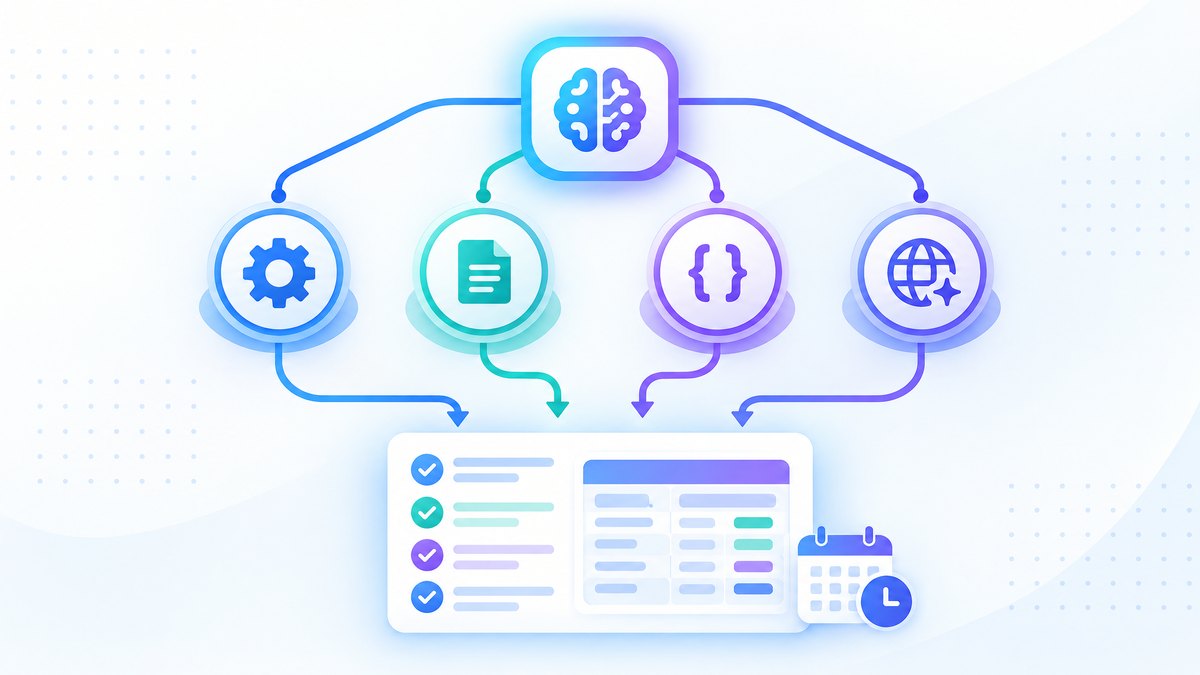
Claude reads CLAUDE.md, starts the subagents in parallel, and combines their summaries into one report.
What a good audit produces:
A summary table with pass or fail for each category.
A findings list sorted by severity, from Critical to Low.
A specific fix for every issue.
A CSV export for tracking fixes.
Corrected JSON-LD for invalid or missing schema.
Run time depends on the number of pages, the number of subagents and your plan's limits, and a large crawl with many agents uses a lot of usage, so start with a sample of key pages.
Step 5: Schedule It
An agent you have to remember to run is only half an agent.
Claude Code offers three ways to run it on a schedule.
Cloud routines run on Anthropic's infrastructure on a schedule, even with your computer off, working on a fresh clone of your repository with connectors you choose per task.
Set one up with /schedule, for example a weekly audit every Monday morning.
Desktop scheduled tasks run on your machine with access to local files and your MCP config, but your computer must be on.
/loop repeats a prompt inside an open session, which suits short-term monitoring such as checking a migration every 30 minutes.
Weekly is a sensible rhythm for full audits; daily suits broken link and index checks.
Step 6: Add Verification Loops (Critical)
This is the step many AI agent guides skip.
Without verification, your agent will sometimes produce findings that sound confident and are wrong.
Build in three checks.
Check 1: Evidence rules in CLAUDE.md
## Verification Rules
- Every finding must cite the URL, line or data point behind it
- If there is no specific evidence, label it "Hypothesis", not "Confirmed"
- Validate schema errors against the raw HTML source
- Confirm a keyword opportunity with a second data source
  before recommending it
Check 2: Spot-check protocol
After each run, check 3 to 5 findings against the live site.
If more than 1 in 5 is wrong, refine the method in CLAUDE.md or the subagent prompts.
Common failures: reporting a missing canonical that is added by JavaScript, or a broken link that only failed because of a temporary error.
Check 3: Compare with the last run
Save each report and diff it against the previous one.
An issue that was flagged and fixed should not come back as "new"; if it does, either the fix didn't deploy or the agent can't see it.
The goal isn't perfect automation.
It is reliable delegation with human review of the findings that matter.
Step 7: Extend Beyond Audits
Once the audit agent is reliable, add workflows as skills.
A skill is a folder with a SKILL.md file in .claude/skills/; it runs when you type /skill-name, and the older .claude/commands/ files still work too.
Set disable-model-invocation: true on skills you only want to run on request.
Content decay detection (.claude/skills/content-decay/SKILL.md)
---
name: content-decay
description: Find pages losing clicks and suggest updates
argument-hint: "[number of days to compare]"
disable-model-invocation: true
---

Using the Search Console MCP, compare clicks for the last
$ARGUMENTS days with the previous period of the same length.

Find pages that lost more than 20% of clicks.
For each one:
1. Pull current rankings from the Ahrefs MCP
2. Identify which queries dropped
3. Check when the content was last updated
4. Check for newer competing pages on the same topic
5. Write an update brief with sections to add or refresh

Save to ./reports/content-decay-[date].md
Run it with /content-decay 90 to compare the last 90 days with the 90 before.
Competitive keyword gap (.claude/skills/keyword-gap/SKILL.md)
---
name: keyword-gap
description: Find keywords a competitor ranks for that we don't
argument-hint: "[competitor domain]"
disable-model-invocation: true
---

Using the Ahrefs MCP:
1. Pull the top 200 keywords for $ARGUMENTS
2. Pull our top 200 keywords for seoshouts.com
3. Keep keywords where the competitor ranks 1-10 and we
   don't rank or rank below 30
4. Keep keywords with volume above 200 and difficulty below 50
5. Group by topic cluster
6. For each cluster, name the existing page that should target
   it, or say a new page is needed

Save to ./reports/keyword-gap-$ARGUMENTS-[date].md
Internal link review (.claude/skills/internal-links/SKILL.md)
---
name: internal-links
description: Analyse internal link structure and suggest improvements
disable-model-invocation: true
---

Crawl the site (up to 300 pages). For each page, record:
- URL, incoming internal links, outgoing internal links
- The anchor text of each link

Flag:
- Orphan pages (0 incoming links)
- Dead ends (0 outgoing contextual links)
- Pages with fewer than 3 incoming links
- Generic anchors ("click here", "read more", "learn more")
- One anchor phrase repeated for the same destination

Write a link plan. Cross-check the anchor spread with the
internal link checker at /tools/internal-link-checker/.

Save to ./reports/internal-links-[date].md
Each skill is reusable, consistent and backed by live MCP data.
For ready-made libraries you can install instead of writing your own, see our comparison of Claude Code skills for SEO.
What an SEO Agent Cannot Do (and Shouldn't Try)
Building an agent doesn't mean automating everything.
Strategic prioritisation. The agent finds 47 issues.
Your experience decides which 5 to fix first, based on business impact, resources and competition.
The agent can sort by severity; it can't weigh your team's capacity or your client's priorities.
Judging content quality. The agent can check that an H1 exists and the opening answers the query.
It can't reliably judge whether the content is genuinely useful, whether the angle is different from competitors, or whether the tone fits the brand.
Treat quality scores from skills as inputs to your judgement, not replacements for it.
Changing production sites. The agent can generate corrected schema, redirect rules and content drafts.
It should not push changes to production without human review.
Treat its output like work from a new team member: check it before it ships.
The agent takes on the data collection, cross-referencing and pattern matching.
You keep the strategy, judgement and client conversations.
Frequently Asked Questions
What is an AI SEO agent built with Claude Code?
It is a set of specialist Claude Code subagents that carry out SEO tasks with a fixed method.
You write your method in CLAUDE.md, define subagents for technical, content, schema and GEO checks, connect MCP servers for live data, and run it with one prompt or on a schedule.
How many Claude Code subagents can run in parallel for SEO?
Claude Code can run several subagents at once.
For SEO audits, four to six is a practical range covering technical, content, schema and GEO checks.
More agents use proportionally more of your plan, so balance coverage against cost.
What should I put in CLAUDE.md for SEO work?
Your audit order, content quality standards, internal linking rules, schema requirements by page type, GEO checks and output format.
Keep it short, and point to longer reference files that Claude reads only when needed.
Do I need coding experience to build an SEO agent?
You need to be comfortable in a terminal, not to code.
Subagents and skills are Markdown files, and Claude Code writes and runs the code.
SEO knowledge matters more, because you define what to check and what counts as a priority.
Can the agent run automatically?
Yes.
Use a cloud routine (/schedule) to run it with your computer off, a desktop scheduled task to run it locally with access to your files, or /loop for short-term repeats inside a session.
Can I combine subagents with MCP servers?
Yes.
Connect Ahrefs, Semrush and Search Console through MCP and your subagents can query them during the audit.
See the MCP setup guide.
Get More SEO Insights
Join 10,000+ marketers receiving weekly SEO strategies and tips directly in their inbox.