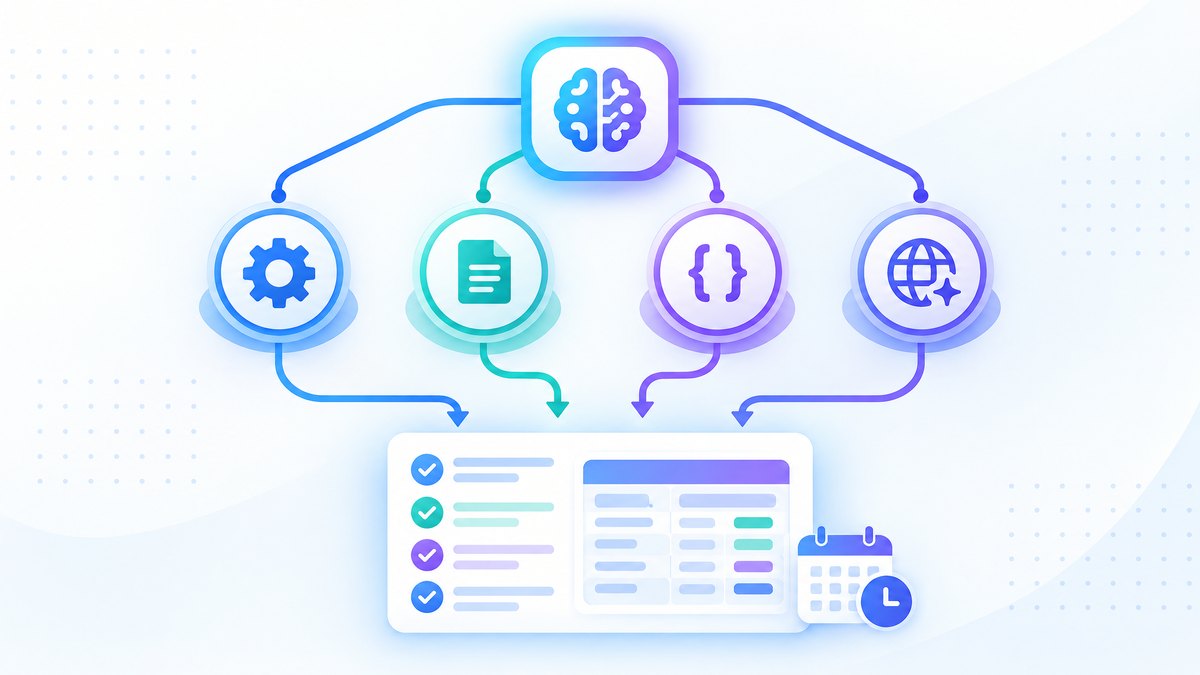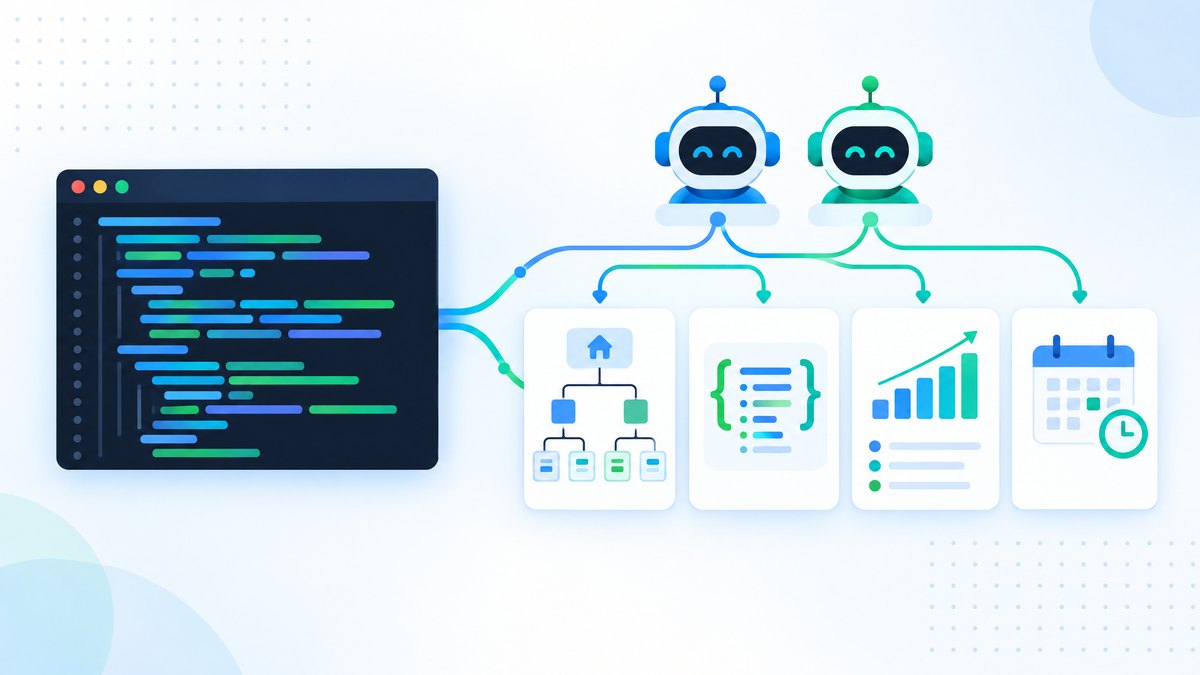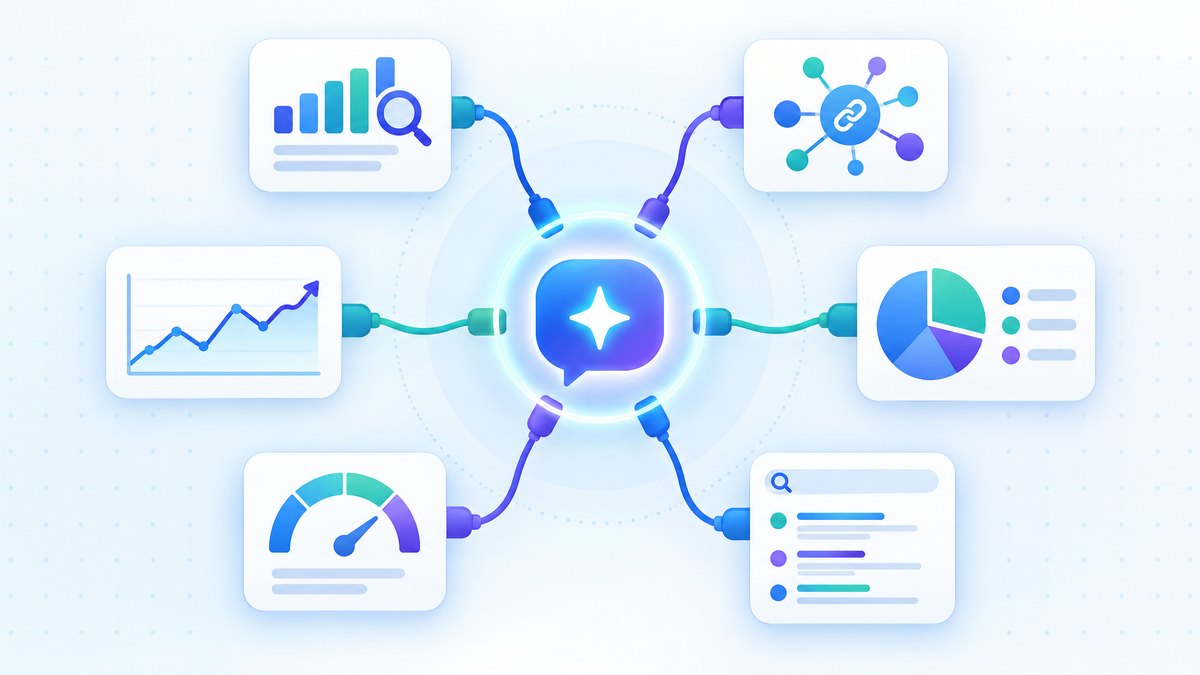
Connect Ahrefs, Semrush, Search Console, GA4 and more to Claude, ChatGPT and Codex with MCP. Setup commands, workflows and November 2026 costs.
TL;DR: MCP servers connect AI assistants such as Claude, ChatGPT and Codex to SEO data, and in November 2026 Ahrefs, Semrush, SE Ranking, DataForSEO and Google Analytics all offer official servers.
They let you ask for keyword, backlink and traffic data in plain language instead of exporting CSVs.
We run Google's official Analytics MCP server against our own SEOShouts GA4 property.
The catch: Search Console still has no official server, and every paid server draws on API units from your plan.
MCP servers connect AI assistants like Claude and ChatGPT directly to SEO tools, so you can query keyword data, backlink profiles and search performance in plain language instead of exporting CSVs.
This guide covers the SEO MCP servers available in November 2026: what each one does, setup commands for Claude Code and Claude Desktop, workflows that replace manual export work, costs, and the multi-server setups that combine them.
What Is an MCP Server and Why Does It Matter for SEO?
MCP (Model Context Protocol) is an open standard for connecting AI assistants to external tools and data.
Anthropic created it in 2024 and in December 2025 donated it to the Agentic AI Foundation, a Linux Foundation fund co-founded with OpenAI and Block.
When you connect an MCP server, your AI assistant stops guessing and starts working with your actual data.
Without MCP, AI-assisted SEO work has the same friction every time: open the tool, run a report, export it, paste the data into the AI chat, wait for analysis, repeat.
MCP removes the export step.
Instead of navigating reports, the AI queries the data source directly.
The architecture has three parts.
The MCP host is your AI application (Claude, ChatGPT, Codex, Cursor).
The MCP client inside it manages each connection.
The MCP server exposes a tool's data and functions to the AI.
The protocol itself changed in 2026.
The 2026-07-28 specification made MCP stateless, removing the session handshake so remote servers scale more easily, and tightened OAuth rules for remote servers.
For SEO users the practical result is that most vendors now run hosted remote servers you connect with a URL and a sign-in, with no local install.
One prompt can pull traffic trends from Search Console, check rankings in Ahrefs and compare them with conversions from GA4.
Which SEO Tools Have MCP Servers?
Here are the main SEO MCP servers as of November 2026.
| MCP Server | Maintainer | Transport | Setup Difficulty | Pricing Model | Key Capabilities |
|---|---|---|---|---|---|
| Ahrefs | Official (Ahrefs) | Remote HTTP | Easy (1 command) | Lite plan or higher; calls use API units | Keyword research, backlinks, rank tracking, Domain Rating, competitor analysis |
| Semrush | Official (Semrush) | Remote HTTP | Easy (1 command) | Eligible paid plans; calls use API units | Domain analytics, keyword research, backlinks, traffic analysis |
| DataForSEO | Official (DataForSEO) | Remote HTTP or local | Easy (remote) / Medium (local) | Pay as you go, $50 minimum top-up | SERP data, keyword data, backlinks, on-page and content analysis |
| SE Ranking | Official (SE Ranking) | Remote HTTP (OAuth) | Easy | Included in paid plans with API credits | Keyword research, backlinks, audits, rank tracking, AI search visibility |
| Google Analytics 4 | Official (Google) | Local | Medium (Google Cloud credentials) | Free | Reports, realtime data, property and account details |
| Google Search Console | Community (AminForou, mcp-gsc) | Local (uvx) | Medium (Google Cloud credentials) | Free, open source | 20 tools: search analytics, URL inspection, sitemaps, indexing status |
| Google PageSpeed | Community | Local | Medium | Free (PageSpeed Insights API key) | Core Web Vitals and Lighthouse results |
The biggest change since 2025 is that the large SEO platforms all moved to hosted remote servers.
You add a URL, sign in, and the connection is live.
Search Console is the notable gap: Google publishes an official Analytics server but still no official Search Console server.
How to Set Up Ahrefs MCP (Step by Step)
Ahrefs runs a remote HTTP MCP server at https://api.ahrefs.com/mcp/mcp, which replaced its older local npm server.
It is available on the Lite plan and above, and each call draws from your plan's monthly API units.
Ahrefs supports it only from MCP clients such as Claude, ChatGPT and Cursor, not from custom scripts.
For Claude Code (terminal):
Run this command:
claude mcp add --transport http ahrefs https://api.ahrefs.com/mcp/mcpClaude Code prompts you to sign in to Ahrefs.
Once approved, the connection persists across sessions.
Run /mcp inside Claude Code to confirm it is connected.
For Claude Desktop or claude.ai:
Open Settings, go to Connectors and add a custom connector.
Enter the name "Ahrefs" and the server URL https://api.ahrefs.com/mcp/mcp.
Claude redirects you to Ahrefs to sign in.
For Cursor:
Add this to your .cursor/mcp.json file:
{
 "mcpServers": {
 "ahrefs": {
 "url": "https://api.ahrefs.com/mcp/mcp"
 }
 }
}
What you can ask once connected:
"Find keywords where competitor.com ranks in positions 1 to 3 but seoshouts.com doesn't rank at all."
"Pull the backlink profile for this URL and list referring domains with DR above 50."
"Show the Domain Rating trend for these five competitors over the past 12 months."
Watch your API units.
Large pulls such as full backlink lists use units quickly, so ask for filtered, limited results first.
How to Set Up Semrush MCP (Step by Step)
Semrush's official MCP server runs at https://mcp.semrush.com/v1/mcp and works with Claude, ChatGPT, Cursor, VS Code, Claude Code and Gemini CLI.
Access comes with eligible paid plans, and calls draw on API units.
For Claude Code:
claude mcp add --transport http semrush https://mcp.semrush.com/v1/mcpSign in through OAuth when prompted, then check with /mcp.
For Claude Desktop or claude.ai:
Go to Settings, then Connectors, then Add custom connector.
Enter https://mcp.semrush.com/v1/mcp and complete Semrush's sign-in.
For ChatGPT:
Open the Apps section in ChatGPT, search for Semrush and connect it.
Mention Semrush in your prompt to pull live data.
For Gemini CLI:
gemini mcp add --transport http \
 --header "Authorization: Apikey YOUR_API_KEY" \
 semrush https://mcp.semrush.com/v1/mcp
Gemini CLI uses an API key instead of OAuth, so copy your key from Semrush's API settings.
Semrush changed its plan line-up in 2026, so check its help centre for which plans include MCP before you subscribe.
How to Set Up Google Search Console MCP
Google Search Console has no official MCP server.
The community server mcp-gsc by Amin Foroutan is the most used option, with about 2,100 GitHub stars in November 2026.
It is open source, runs on your machine and offers 20 tools.
What you need:
The uv package manager, a Google Cloud project with the Search Console API enabled, and an MCP client such as Claude Desktop, Claude Code, Cursor or Codex.
Step 1: Create Google Cloud credentials.
Go to the Google Cloud Console and create or select a project.
Enable the Search Console API.
Create an OAuth client ID of type Desktop app (for personal use) or a service account (for automation).
Download the JSON file and keep it somewhere permanent.
If you use a service account, add its email as a user on your Search Console property.
Step 2: Install uv.
The project now recommends running the server with uvx, which downloads and updates it automatically.
curl -LsSf https://astral.sh/uv/install.sh | shOn Windows, install uv with the PowerShell installer from the uv documentation.
Step 3: Configure Claude Desktop.
Add this to your claude_desktop_config.json:
{
 "mcpServers": {
 "gscServer": {
 "command": "/FULL/PATH/TO/uvx",
 "args": ["mcp-search-console"],
 "env": {
 "GSC_OAUTH_CLIENT_SECRETS_FILE": "/FULL/PATH/TO/client_secrets.json"
 }
 }
 }
}
Replace the paths with your actual file locations.
For a service account, set GSC_CREDENTIALS_PATH to the key file instead.
On first use with OAuth, a browser window asks you to sign in to Google; after that the token is saved.
Ask your assistant to call get_capabilities to list every tool and check the sign-in status.
For our step-by-step guide covering OAuth, service accounts and no-code options, see the Google Search Console MCP setup walkthrough.
How to Set Up Google Analytics 4 MCP
Google maintains an official Google Analytics MCP server.
It runs locally, uses Google Cloud credentials with read access to your GA4 property, and lets the AI run reports and realtime queries.
We use it on SEOShouts with a service account that has Viewer access to our GA4 property only, which keeps the AI's access read-only and limited to one site.
Enable the Google Analytics Data API and Admin API in your Google Cloud project, give the credentials Viewer access in GA4, then follow the repository's install steps for your client.
How to Set Up DataForSEO and SE Ranking MCP
DataForSEO is pay as you go: there is no subscription, and you top up a balance (minimum $50) that each API call draws from.
That suits agencies with bursty, high-volume needs.
For Claude Code:
claude mcp add --transport http dataforseo https://mcp.dataforseo.com/mcpAuthenticate with your DataForSEO API login and password, which differ from your dashboard login.
For a local or self-hosted setup, DataForSEO publishes its server on GitHub.
SE Ranking now offers a hosted remote server with OAuth sign-in, replacing its earlier Docker-only setup.
It covers keyword research, backlinks, audits and rank tracking, plus AI search visibility data showing how a brand appears in AI-generated answers.
That makes it one of the few SEO MCP servers that combine classic SEO data with AI visibility tracking in one connection.
Use the server URL from SE Ranking's API documentation and add it as a custom connector the same way as Ahrefs.
Multi-Server Workflows: Where MCP Gets Powerful
Individual connections are useful.
Combining several servers in one conversation is where the real value appears.
You can connect Ahrefs, Search Console and GA4 together and run prompts that would otherwise need hours of export-merge-analyse work.
Workflow 1: Content decay analysis
Prompt: "Using Search Console, find blog posts whose clicks dropped more than 30% in the last 3 months compared with the previous 3.
For each one, pull current keyword rankings from Ahrefs.
Rank them by lost clicks."
What this replaces: exporting Search Console data, exporting Ahrefs rankings, merging them in a spreadsheet and sorting by hand.
Workflow 2: Competitive keyword gap analysis
Prompt: "Using Semrush, find keywords where competitor.com ranks in the top 5 but seoshouts.com isn't in the top 50.
Keep keywords with monthly volume above 500 and difficulty below 40.
Group them by topic cluster."
Workflow 3: Technical audit with performance data
Prompt: "Check indexing status for our top 20 pages by clicks using Search Console URL inspection.
For any page with issues, pull Core Web Vitals from PageSpeed.
Produce a prioritised fix list."
Workflow 4: Link building prospecting
Prompt: "Using Ahrefs, find domains that link to both competitor-a.com and competitor-b.com but not to seoshouts.com.
Keep domains with DR above 30.
List the pages that link to the competitors so I can plan outreach."
The principle: each server handles what it does best, and the AI combines the results.
Search Console provides your own search performance.
Ahrefs or Semrush provides competitive data.
GA4 provides behaviour and conversion data.
When one workflow is not enough, you can build a multi-agent SEO system using these MCP connections.
MCP Cost Comparison: What You Actually Pay
The MCP connection itself is free.
You pay for the underlying tool and, for paid servers, the API units each call uses.
Vendor prices changed several times in 2025 and 2026, so treat these as November 2026 starting points and confirm on each pricing page.
| MCP Server | Lowest plan with MCP | How usage is metered | Notes |
|---|---|---|---|
| Ahrefs | Lite (about $129/month) | Monthly API units; minimum 50 units per call | Starter and Free plans exclude MCP |
| Semrush | Semrush One Starter or legacy Pro/Guru | API units included with the plan | Higher tiers may need extra unit packages |
| SE Ranking | Core plan or pay-as-you-go wallet | API credits | Includes AI visibility data |
| DataForSEO | No subscription | Per API call from a prepaid balance ($50 minimum) | Cheapest for occasional use |
| Search Console (mcp-gsc) | Free | Search Console API quotas | Runs locally |
| Google Analytics 4 | Free | GA Data API quotas | Official Google server |
You also need an AI client that supports MCP, such as a paid Claude plan, ChatGPT, Codex or Cursor.
The budget stack: Search Console MCP plus GA4 MCP plus your AI subscription.
This gives you search performance, URL inspection and traffic analysis with no SEO tool subscription.
For smaller sites that don't need competitor data, it covers most technical SEO analysis.
The mid-range stack: add DataForSEO for keyword and SERP data without a monthly lock-in.
The full stack: Ahrefs or Semrush plus Search Console, GA4 and your AI client.
If you already pay for Ahrefs or Semrush on an eligible plan, MCP changes how you reach data you already pay for, though heavy use can exhaust your API units.
Claude Code vs. Claude Desktop vs. Cursor: Which Client for SEO MCP?
Every MCP client reaches the same data, but the workflows differ depending on how technical your work is.
| Feature | Claude Desktop / claude.ai | Claude Code | Cursor |
|---|---|---|---|
| Best for | Conversational analysis, reporting | Automated workflows, scripts, repeatable skills | Building custom SEO tools |
| MCP setup | Connectors settings | claude mcp add command |
.cursor/mcp.json config |
| Code execution | Limited (analysis tool) | Yes (Python, bash, Node.js) | Yes (full IDE) |
| Multi-step automation | Conversation-based | Full (scripts, MCP, files, skills) | Full (IDE, MCP, code) |
| Learning curve | Low | Medium | Medium to high |
| Ideal SEO user | Content strategists, managers | Technical SEOs, agency leads | Developer-SEOs building internal tools |
Claude Code suits most technical SEOs because it chains MCP queries with code.
Ask it to pull Search Console data through MCP, analyse it with a Python script, and save the result as a spreadsheet, all in one session.
Claude Desktop and claude.ai suit SEOs who want answers without writing code.
Connect your servers, ask questions in plain language and get analysed responses.
Servers that support the MCP Apps extension can also show interactive charts and tables inside the chat.
Cursor suits developer-SEOs building custom tools, such as an internal link analyser or a content gap tool that uses live Ahrefs data.
OpenAI's agent also speaks MCP, and we cover using Codex for automated SEO workflows separately.
Claude Code Skills for SEO: Going Beyond Basic MCP
MCP servers provide the data.
Skills provide the method.
A skill is a folder with a SKILL.md file that tells Claude how to approach a task, and the format is now an open standard that other coding agents also read.
Combined with MCP servers, skills turn one-off prompts into repeatable SEO workflows.
The claude-seo library is the most popular, with about 26,500 GitHub stars in November 2026, and covers technical SEO, E-E-A-T, schema, GEO and local SEO.
A smaller library, seo-geo-claude-skills, offers SEO and GEO skills for Claude Code, Cursor and Codex.
To add a skill to one project, place its folder at .claude/skills/<skill-name>/SKILL.md; for all your projects, use ~/.claude/skills/.
Claude loads the skill when your request matches its description, or you can run it directly with /skill-name.
Many libraries also install as Claude Code plugins through /plugin.
For a comparison of the main libraries, see our guide to the best Claude Code skills for SEO.
A prompt gets you one answer.
A skill plus MCP setup gets you a repeatable system your whole team can run.
Common MCP Setup Problems and Fixes
"Connection closed" error on Windows: if a local MCP server starts with npx, wrap the command with cmd /c.
Example: claude mcp add --transport stdio my-server -- cmd /c npx -y @some/package.
Ahrefs authentication failures: the remote server uses OAuth sign-in from a supported client.
Old guides that use API v3 keys refer to the retired local npm server.
Also check that your plan is Lite or above and that you still have API units left this month.
mcp-gsc crashes on start: the MCP Python SDK 2.0, released alongside the July 2026 spec, broke older installs.
Update to the latest mcp-search-console package through uvx, which pins a compatible SDK.
Semrush MCP returns no confirm your plan includes MCP and has API units left.
Check you used OAuth in Claude and an API key in Gemini CLI, because the method differs by client.
Too many MCP tools filling the context window: Claude Code defers loading MCP tool definitions until they are needed, searching for tools on demand.
If responses still slow down with many servers connected, disable the ones you are not using in this session.
Run /mcp inside Claude Code at any time to see every connected server and its status.
Frequently Asked Questions
What is an MCP server for SEO?
An MCP (Model Context Protocol) server connects an AI assistant like Claude or ChatGPT to an SEO tool like Ahrefs, Semrush or Google Search Console.
It lets the AI query your real SEO data in plain language instead of relying on CSV exports.
MCP is an open standard, now governed by the Agentic AI Foundation under the Linux Foundation.
Which SEO tools have official MCP servers?
As of November 2026, Ahrefs, Semrush, SE Ranking and DataForSEO run official MCP servers, and Google runs an official Google Analytics server.
Google Search Console has no official server; the community mcp-gsc server is the most used option.
Do I need to pay extra to use MCP servers with my SEO tools?
The connection is free, but you need an eligible plan with the SEO tool and an AI client that supports MCP.
Ahrefs, Semrush and SE Ranking meter MCP calls against API units or credits in your plan.
DataForSEO charges per call from a prepaid balance with a $50 minimum.
Can I connect multiple MCP servers to Claude at the same time?
Yes.
Claude, Claude Code, Cursor and other MCP clients support several connections at once.
You can connect Ahrefs, Semrush, Search Console and GA4 in one session and ask questions that span them.
Which AI tools support MCP connections for SEO?
Claude (desktop, web and Claude Code), ChatGPT, OpenAI Codex, Cursor, VS Code, Windsurf and Gemini CLI all support MCP.
Claude Code and Codex go furthest for technical SEO because they combine MCP queries with code execution.
How do MCP servers compare to using SEO dashboards directly?
MCP gives you the same data through a different interface.
With dashboards you navigate reports and export CSVs.
With MCP you describe what you need and the AI retrieves and analyses it.
The biggest gain is cross-tool analysis, such as combining Search Console, Ahrefs and GA4 data in one conversation.
Is my SEO data secure when using MCP servers?
Official remote servers use OAuth or API keys, and you can revoke access in each tool's settings.
Most SEO servers only read data, but check each server's tool list, because some can make changes such as submitting sitemaps.
Local servers like mcp-gsc run on your machine, but the data they return is still sent to your AI provider as part of the conversation.
Give credentials the least access they need, such as Viewer on a single GA4 property.
Get More SEO Insights
Join 10,000+ marketers receiving weekly SEO strategies and tips directly in their inbox.