Use OpenAI Codex to automate technical SEO audits, keyword research, and content analysis. Setup guide with 8 ready-to-use SEO skills and automation recipes.
TL;DR: OpenAI Codex is a coding agent that writes and runs scripts for you, and for SEO it handles audits, schema checks and reporting from Plus ($20/month) upwards.
It connects to SEO data through MCP servers, repeats methods through skills, and runs recurring checks as scheduled tasks.
We used Codex to review the SEOShouts code repository in August 2026, and it returned a prioritised list of findings.
The catch: scheduled tasks that need local files only run while your computer and the app are on.
OpenAI Codex is a coding agent that reads your project, writes scripts, runs commands and proposes changes, either on your machine or in an isolated cloud environment.
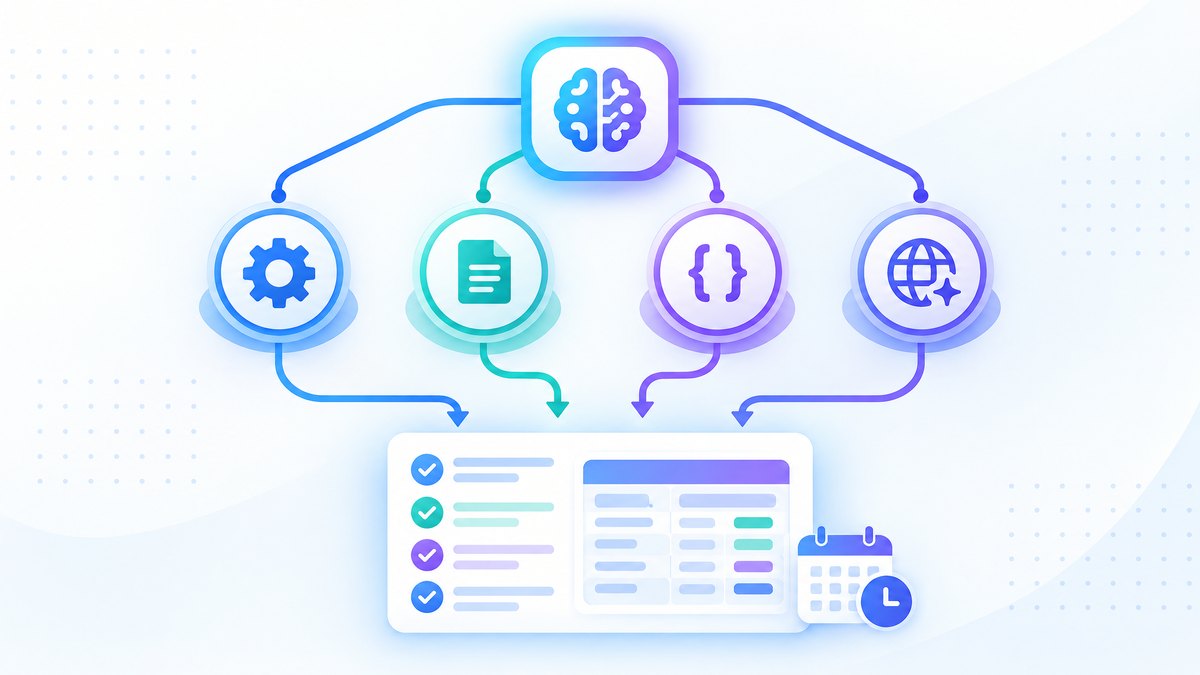
It supports MCP servers for live SEO data, skills for repeatable methods, and scheduled tasks that run without you.
Any SEO task that involves code, data or file processing can be handed to it.
This guide covers setting up Codex for SEO, connecting it to SEO data through MCP, building SEO skills, scheduling recurring checks, and running several agents in parallel.
What Is OpenAI Codex and Why Should SEOs Care?
Codex is not a chatbot.
It is an agent that works across several surfaces: the Codex CLI in your terminal, the IDE extension, the Codex desktop app, and Codex on the web through ChatGPT.
The CLI, IDE extension and app run on your machine; Codex on the web runs tasks in cloud environments connected to your GitHub repositories.
The difference from a normal ChatGPT conversation is execution.
Ask ChatGPT to "audit this site for broken links" and it gives you instructions.
Ask Codex and it writes a Python script, runs it against the site, collects the results and presents a report.
Most SEO work is data-heavy and repetitive: crawling, cleaning exports, generating markup, cross-referencing keyword data, checking indexing.
Those are the tasks Codex automates well.
In November 2026 the models available in Codex on paid plans include GPT-6.1 Sol for harder work and GPT-6 Luna for faster, lighter tasks.
OpenAI retired GPT-5.5 from Codex with ChatGPT sign-in on 14 October 2026, so older guides that tell you to select GPT-5.x models are out of date.
Codex plans in November 2026
Codex is included in ChatGPT plans rather than sold separately.
| Plan | Price | Codex access |
|---|---|---|
| Free | $0 | Desktop app with GPT-6 Luna, subject to rollout |
| Go | $8/month | Desktop app with GPT-6 Luna |
| Plus | $20/month | Web, CLI, IDE extension and iOS, plus cloud code review and Slack |
| Pro | $100, $200 or $500/month | Higher limits; fastest mode on the $500 plan |
| Business | $20/user/month billed annually ($25 monthly) | Team workspace |
| API key | API pricing | CLI, SDK and IDE extension; no cloud features |
Plus is the lowest plan that includes the CLI, so it is the practical starting point for SEO work.
Check OpenAI's Codex pricing page before you subscribe, because limits and promotions change often.
How to Set Up Codex for SEO Work
There are three ways to use Codex, and all three suit SEO work.
Option 1: Codex CLI (recommended for technical SEOs)
Install the CLI and start it:
npm install -g @openai/codex
codex
On first run, sign in with your ChatGPT account.
The CLI runs in your terminal with access to the folder you start it in.
It is the best option for auditing a local codebase, analysing crawl exports or building SEO scripts.
Use the /model command inside a session to switch between the larger model for audits and the smaller one for bulk checks such as meta tag reviews.
Option 2: Codex app (recommended for managing several SEO projects)
The Codex desktop app runs several agents at once, each in its own thread organised by project.
You can hand off a site audit, a keyword analysis and a content brief together and switch between them.
The app is also where you manage skills and scheduled tasks.
Option 3: Codex on the web (recommended for repository tasks)
Open Codex in ChatGPT on the web and connect your GitHub repositories.
Tasks run in isolated cloud environments with no local setup.
It is useful for checking code changes for SEO impact, such as whether a deployment broke schema markup or moved content behind client-side JavaScript.
Connecting Codex to SEO Tools via MCP
Codex supports MCP (Model Context Protocol) servers, giving it live data from Ahrefs, Semrush, Google Search Console and other sources.
Configure servers in ~/.codex/config.toml, one [mcp_servers.<name>] table each:
[mcp_servers.ahrefs]
url = "https://api.ahrefs.com/mcp/mcp"

[mcp_servers.semrush]
url = "https://mcp.semrush.com/v1/mcp"

[mcp_servers.gsc]
command = "npx"
args = ["-y", "suganthan-gsc-mcp"]

[mcp_servers.gsc.env]
GSC_KEY_FILE = "/path/to/service-account.json"
GSC_SITE_URL = "sc-domain:yourdomain.com"
Or add servers from the CLI:
codex mcp add ahrefs --url https://api.ahrefs.com/mcp/mcp
codex mcp login ahrefs
The codex mcp login command opens the OAuth sign-in for servers that need it.
Once connected, Codex can query your SEO tools inside any task.
Ask it to "find keywords where competitor.com ranks in the top 5 but we don't rank, using Ahrefs data" and it pulls the data, analyses it and writes a prioritised content gap report.
Remember that Ahrefs, Semrush and SE Ranking meter MCP calls against API units in your plan.
For setup details for every SEO MCP server, see the MCP servers for SEO guide.
Building SEO Skills for Codex
Skills make Codex repeatable instead of ad hoc.
A skill is a folder with a SKILL.md file, plus optional scripts and resources, that tells Codex how to approach a task the same way every time.
Codex reads skills from .agents/skills in your project or repository and from ~/.agents/skills for all projects.
The format follows the open Agent Skills standard, so the same skill can also work in Claude Code with little or no change.
How to create an SEO skill:
Create a folder such as .agents/skills/technical-seo-audit/ and add a SKILL.md with a name and a description that says when to use it.
Codex also ships with a built-in skill-creator skill that drafts one for you.
Here is the structure for a technical SEO audit skill:
---
name: technical-seo-audit
description: Run a technical SEO audit on a website URL. Use when asked to
  audit crawlability, indexing, schema, Core Web Vitals or internal links
  and produce a prioritised fix report.
---

# Technical SEO Audit Skill

## Workflow

### 1) Crawl the target URL
Use Python requests + BeautifulSoup to crawl up to 500 pages.
Record: URL, status code, title, meta description, H1 count,
canonical, robots directives, internal links, schema types, word count.

### 2) Check indexing signals
For each page: is the canonical self-referencing, is there a noindex,
does robots.txt allow access, does any page have zero incoming links.

### 3) Analyse internal links
Count links per page. Flag pages with fewer than 3 incoming links.
Calculate crawl depth from the homepage.

### 4) Validate schema markup
Extract JSON-LD blocks and check required properties.
Flag pages missing expected types (Article for posts, Product for products).

### 5) Write the report
Sort findings by impact: critical (broken pages, wrong noindex),
high (missing schema, orphan pages), medium (thin or duplicate titles),
low (missing alt text). Save a markdown report and a CSV.
Run it explicitly from the CLI or IDE by mentioning it:
$technical-seo-audit https://example.comOr type /skills to pick it from a list.
Codex can also choose the skill on its own when your request matches its description.
Commit skills to your repository so your whole team runs the same method.
8 SEO skills worth building:
1. Technical SEO audit (as above): crawl, check indexing, analyse links, validate schema, write a report.
2. Schema generator: take a page URL and type, output complete JSON-LD and validate it.
3. Content brief generator: pull Ahrefs or Semrush data through MCP, review the top-ranking pages, and produce a brief with headings and topics to cover.
4. Internal link opportunity finder: crawl the site, find related pages with no links between them, and suggest anchors.
5. Meta tag auditor: check titles and descriptions across the site for duplicates and missing values.
6. Redirect chain resolver: find chains and generate the redirect rules for your platform.
7. Core Web Vitals checker: batch-test URLs with the PageSpeed Insights API and flag LCP, INP and CLS failures by traffic.
8. Content decay detector: pull Search Console data through MCP and flag pages with falling clicks over 90 days.
The SEO knowledge lives in the skill.
Codex handles the execution.
Many Claude Code SEO skill libraries you can adapt for Codex use the same SKILL.md format.
Codex Scheduled Tasks: SEO Checks That Run on Their Own
Scheduled tasks (previously called automations) run a prompt or skill on a schedule and put the results in a Scheduled inbox for review.
You create them from the Codex app, from ChatGPT on the web, or by asking inside a chat.
Schedules can be daily, weekly or custom, including advanced recurrence rules.
Where they run matters.
Tasks in the desktop app can work in a local project folder or an isolated Git worktree, but OpenAI's documentation says to keep the computer on and the app running when a task needs local files.
Tasks created on the web can use uploaded files and connected tools but cannot reach folders on your computer.
On eligible plans, web tasks can also be triggered by Gmail, Slack or GitHub events.
The CLI and IDE extension do not have the scheduling interface.
SEO tasks worth scheduling:
Weekly rank check: "Every Monday at 8 AM, use the Semrush MCP to pull positions for our top 50 target keywords, compare them with last week, and flag any that dropped 5 or more places."
Daily broken link check: "Every day, crawl seoshouts.com (up to 200 pages) and check internal links for 404s, then list any new broken links with the source page and a suggested replacement."
Monthly content decay check: "On the first of each month, use the Search Console MCP to compare clicks for every blog post over the last 30 days with the previous 30, flag posts down more than 25%, and pull their current rankings from Ahrefs."
Post-deployment schema check: "When a pull request merges to main, crawl the 10 most recently changed pages and validate their JSON-LD."
The last one suits a GitHub-triggered web task, because it reacts to an event rather than a clock.
Multi-Agent Workflows: Running SEO Tasks in Parallel
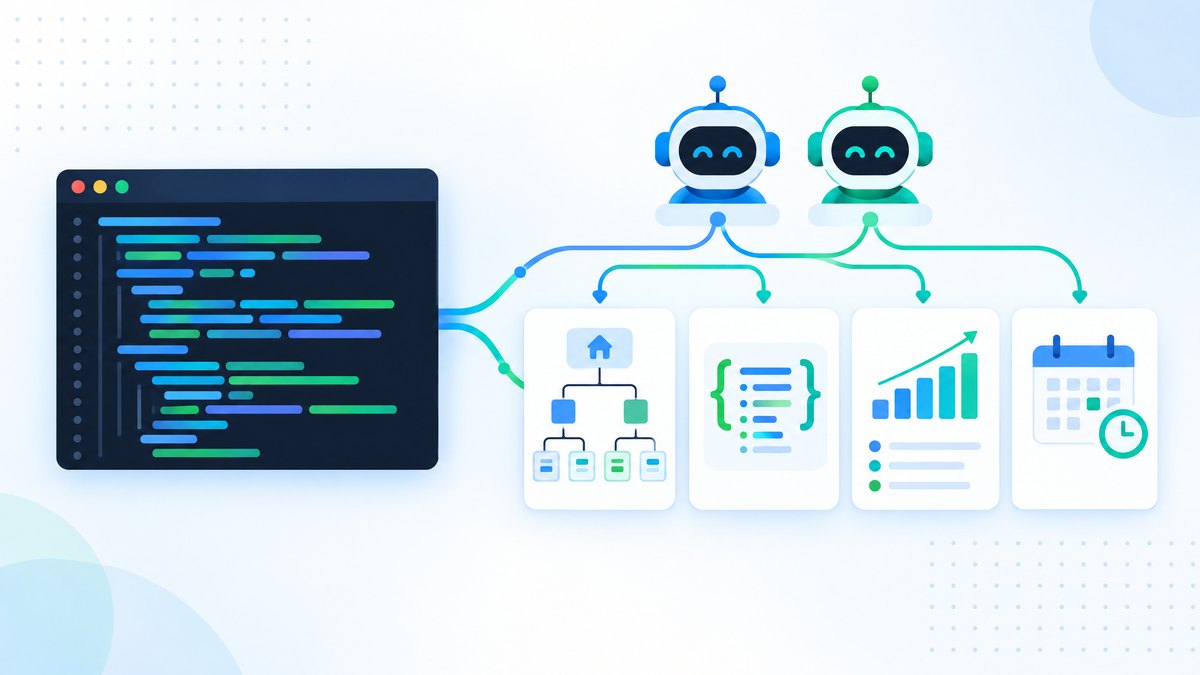
The Codex app can run several agents at once, each in its own thread with its own context.
For SEO, that turns sequential work into parallel work.
Example: quarterly content audit with 3 agents
Agent 1 (technical): "Crawl the whole site and report broken links, redirect chains, missing schema, orphan pages and crawl depth issues."
Agent 2 (performance): "Using the Search Console MCP, take the top 100 pages by clicks, check Core Web Vitals with the PageSpeed API, and flag failures by traffic."
Agent 3 (content): "Using the Ahrefs MCP, find the 50 keywords where we rank in positions 8 to 20, compare our page with the top 3 results, and write update briefs for the 10 best opportunities."
When they finish, you review a technical fix list, a performance fix list and a content plan.
The principle: break a large SEO project into independent pieces, give each to an agent, and combine the results yourself.
A note on reliability: AI agents can produce confident output that is subtly wrong.
Always check audit findings against the live site before acting on them, and build a verification step into each skill, such as re-checking a sample of flagged URLs by hand.
Codex vs. Claude Code for SEO: Which to Use When
Both are capable coding agents for SEO, and in 2026 their feature sets overlap more than older comparisons suggest.
| Dimension | OpenAI Codex | Claude Code |
|---|---|---|
| Where it runs | Locally (CLI, IDE, app) or in the cloud (web) | Locally (CLI, IDE, desktop) or in the cloud (web) |
| Scheduled tasks | App and web scheduling; web tasks can run on events | Cloud routines (machine can be off), desktop scheduled tasks, and /loop within a session |
| Parallel agents | Multiple threads in the app | Subagents and parallel sessions |
| MCP setup | config.toml or codex mcp add | claude mcp add or connectors |
| Skills | .agents/skills, invoked with $name | .claude/skills, invoked with /name; plugins bundle skills |
| Models (Nov 2026) | GPT-6.1 Sol, GPT-6 Luna | Claude Opus, Sonnet and Haiku 5.5 |
| Entry price | ChatGPT Plus, $20/month | A paid Claude plan |
Use Codex when: your team already works in ChatGPT, you want scheduled tasks triggered by Gmail, Slack or GitHub events, or you want cloud code review on pull requests.
Use Claude Code when: you want cloud scheduled routines that run with your machine off, you rely on Claude-specific skills and plugins, or you prefer Claude's models for long analysis.
Use both when: it suits your stack.
MCP servers and Agent Skills work in both, so one SEO toolkit can serve either agent.
If you choose Claude Code, our guide to building an AI SEO agent with Claude Code walks through the equivalent setup with subagents.
The same Ahrefs, Semrush and Search Console MCP servers connect to both clients.
Getting Started: Your First Codex SEO Task
The fastest test is a simple site audit with no MCP setup and no skills.
Step 1: Open the Codex CLI in an empty project folder.
mkdir seo-audit && cd seo-audit
codex
Step 2: Give Codex a specific, scoped task:
"Write a Python script that crawls https://seoshouts.com up to 100 pages.
For each page, record the URL, status code, title, meta description length, H1, number of internal links, and whether JSON-LD schema is present.
Save the results as a CSV.
Then summarise pages with missing titles, duplicate H1s, fewer than 3 internal links, and no schema."
Codex writes the script, runs it, collects the data and writes the summary.
Step 3: Review the output.
Codex saves the files in your project folder.
Spot-check the CSV against the live site.
From there, the progression is clear: save the prompt as a skill so it is repeatable, connect MCP servers to add keyword and backlink data, and schedule it monthly.
The goal isn't to replace SEO expertise.
It is to automate the data collection and reporting so you can spend your time on strategy and content.
Frequently Asked Questions
Can OpenAI Codex be used for SEO tasks?
Yes.
Codex is a coding agent that reads files, runs commands and executes scripts, so it can handle technical audits, keyword analysis, schema generation, internal link analysis, content briefs and reporting.
It supports MCP servers, skills and scheduled tasks.
What is the difference between Codex and Claude Code for SEO?
Both run locally or in the cloud, support MCP and skills, and can schedule work.
Codex fits teams already using ChatGPT and offers event-triggered web tasks.
Claude Code offers cloud routines that run with your machine off and a large plugin ecosystem.
For most SEO tasks, the choice comes down to which models and ecosystem you prefer.
How much does Codex cost for SEO automation?
Codex is included in ChatGPT plans: Plus ($20/month) is the lowest plan with the CLI, Pro costs $100, $200 or $500 a month, and Business is $20 per user a month billed annually.
Free and Go include the desktop app with a smaller model.
MCP connections to Ahrefs or Semrush need those subscriptions too.
What are Codex skills and how do they help with SEO?
A skill is a folder with a SKILL.md file that tells Codex how to do a task consistently.
An SEO skill defines which checks to run, how to structure the report and where to save it.
Skills live in .agents/skills, can be shared through your repository, and follow the open Agent Skills format.
Can Codex connect to Ahrefs or Semrush via MCP?
Yes.
Add them in ~/.codex/config.toml or with codex mcp add, then sign in with codex mcp login.
For setup details, see the MCP servers for SEO guide.
What SEO tasks can Codex run on a schedule?
Weekly rank checks, daily broken link checks, monthly content decay reports and post-deployment schema checks all work as scheduled tasks.
Results land in the Scheduled inbox.
Tasks that use local files need your computer on and the app running.
Do I need coding experience to use Codex for SEO?
No.
You describe the task in plain English and Codex writes the code.
SEO knowledge matters more, because you need to judge whether the output is right: understanding crawl depth, internal links and schema is more useful than knowing Python.
Get More SEO Insights
Join 10,000+ marketers receiving weekly SEO strategies and tips directly in their inbox.