Internal linking is the practice of connecting one page on your website to another page on the same domain using hyperlinks.
It is the single highest-ROI activity in SEO because you control it completely — no outreach, no budget, no waiting for other sites to cooperate.
This guide covers everything: what internal links are, why they matter for both traditional and AI search, the exact data behind optimal link counts and anchor text ratios, how to build topic clusters, how to audit your existing links, and the tools that make all of it measurable.
Backed by Zyppy's study of 23 million internal links and insights from 10+ years of hands-on optimization.
What Are Internal Links and Why Do They Matter?
An internal link is any hyperlink that points from one page on your domain to another page on the same domain.
When a blog post links to your service page, that's an internal link.
When your homepage links to your tools page, that's an internal link.
External links, by contrast, point from your site to a different domain entirely.
Understanding this distinction is fundamental — our breakdown of internal links vs external links vs backlinks covers the full ecosystem in detail.
Internal links serve four critical functions for SEO.
1. Crawlability.
Google's crawlers discover new pages by following links. If a page has no internal links pointing to it, Google may never find it.
According to Semrush's audit data, approximately 25% of pages across the web have zero internal links — making them essentially invisible to search engines.
2. Link equity distribution.
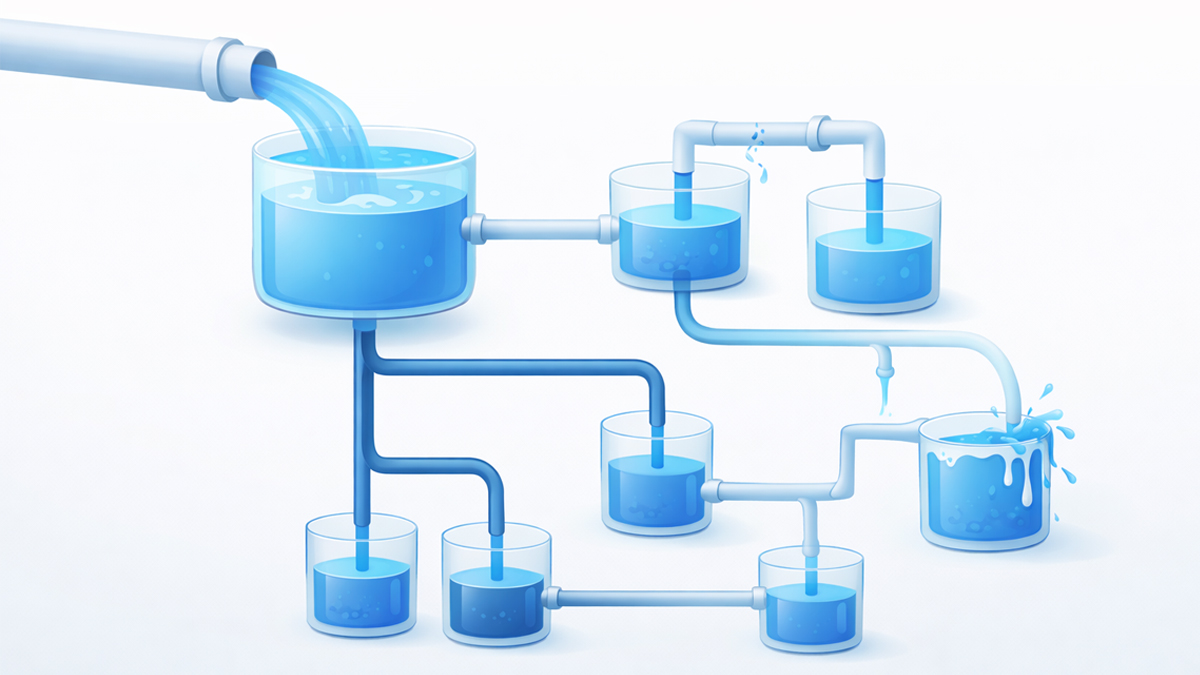
When your homepage earns a powerful backlink, that authority doesn't stay locked on the homepage.
Internal links distribute that equity deeper into your site.
Pages that receive more internal links from high-authority pages tend to rank higher.
Ahrefs' analysis of 14,000 websites found that top-10 ranking pages receive an average of 44 internal links.
3. Topical relevance signals.
Internal links with descriptive anchor text tell Google what each linked page is about.
If five blog posts link to your "technical SEO audit" service page using descriptive anchor phrases, Google builds stronger confidence that the destination page genuinely covers technical SEO audits.
4. AI semantic mapping.
This is the 2026 differentiator. AI search engines — ChatGPT, Perplexity, Gemini, Google AI Overviews — use internal links to build semantic maps of your site.
Research from seoClarity confirms that strong internal linking gives AI engines clearer semantic signals for generative results.
For a deep dive into how AI crawlers specifically parse your links, see our guide on how AI search engines use internal links.
Google's John Mueller has stated directly: "Internal linking is super critical for SEO" and "one of the biggest things that you can do on a website."
Few ranking factors give you this level of direct control.
How Many Internal Links Should a Page Have?
This is the most common question in internal linking, and the data is clear.
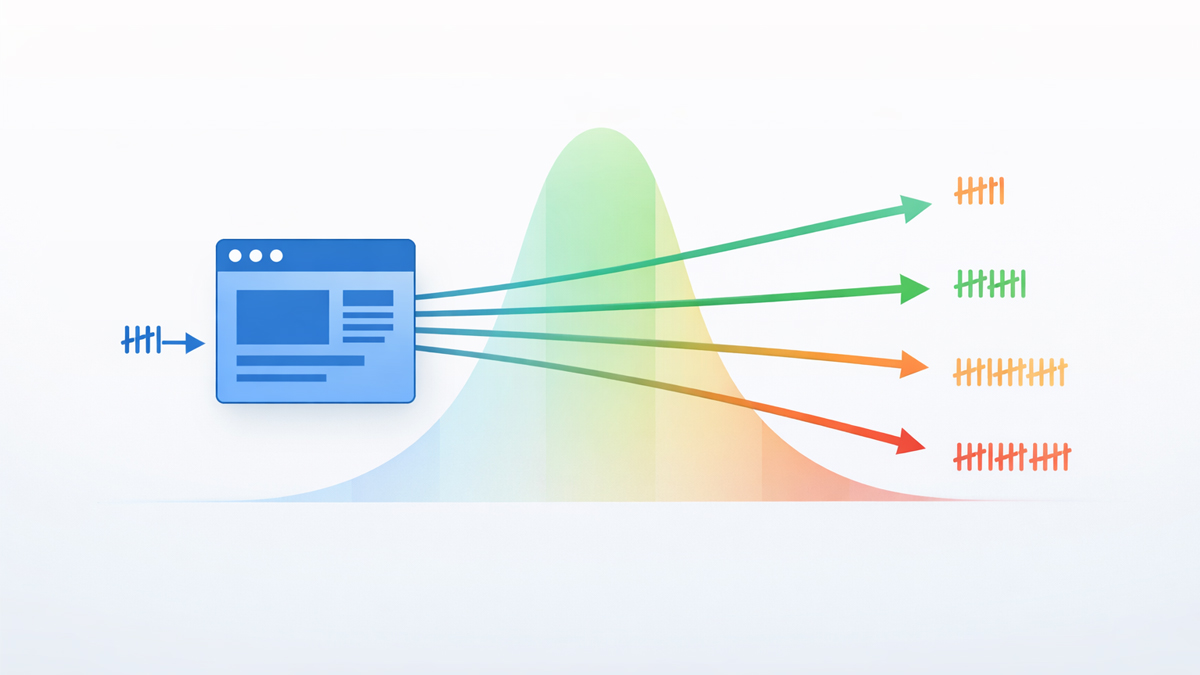
Zyppy analyzed 23 million internal links across thousands of websites and found that pages with 45-50 total internal links see peak organic traffic.
Beyond 50 links on a single page, traffic starts to decline.
This includes navigation links, footer links, sidebar links, and in-content links combined.
For contextual body links specifically (links placed within your actual content paragraphs), aim for 3-5 internal links per 1,000 words.
A 2,000-word blog post should contain roughly 6-10 contextual internal links.
A 5,000-word guide like this one naturally supports 15-25.
The Zyppy data also revealed a critical depth metric: pages buried 4 or more clicks from the homepage receive 9x less organic traffic than pages within 3 clicks.
This means your most important content must be reachable within 2-3 clicks from the homepage.
For a detailed breakdown of the math behind these numbers, our guide on how many internal links per page walks through the calculations with examples for different site sizes.
The ideal internal linking ratio article covers how to balance internal-to-external link proportions.
Types of Internal Links
Not all internal links carry equal weight. Different link types serve different SEO functions.
Contextual links are placed within the body content of a page. They are the most valuable type because Google's "Reasonable Surfer" model assigns higher weight to links that appear within relevant content. A link embedded in a paragraph discussing anchor text carries more authority than the same link buried in a footer. Our analysis of where to place links for maximum SEO value covers the data behind this ranking.
Navigation links appear in your header menu, sidebar, and breadcrumbs. They help users and crawlers find major sections of your site. Every page on your site typically shares the same navigation links, which distributes a thin layer of authority across all linked pages.
Footer links sit at the bottom of every page. They carry the least individual SEO weight but serve a structural purpose — linking to privacy policy, sitemap, contact pages, and other utility content.
Image links use a clickable image to link to another page. When an image functions as a link, Google uses the image's alt text as the anchor text. This means every linked image without alt text is a wasted link — it passes zero topical context.
The hierarchy is clear: contextual links in your body content should be your primary focus. They pass the most equity and provide the richest semantic signals.
Anchor Text: The Words Inside Your Links
Anchor text is the visible, clickable text within a hyperlink.
It's arguably the most important element of internal linking because it directly tells search engines what the destination page is about.
The optimal anchor text strategy balances relevance with diversity.
Analysis of top-ranking pages reveals a consistent pattern:
| Anchor Type | Target Ratio | Example |
|---|---|---|
| Descriptive / Partial Match | 50–60% | "learn how to audit your internal links" |
| Branded | 20–25% | "According to SEOShouts research" |
| Exact Match | 10–15% | "internal link checker" |
| Naked URL | < 5% | "https://seoshouts.com/tools/" |
| Generic | < 5% | "click here" (avoid when possible) |
The most critical rule: never repeat the same anchor text for the same destination URL across multiple pages.
If 10 articles link to one page, use 10 different anchors.
Repetition signals manipulation. Authority Hacker's analysis found that sites with anchor diversity below 30% see an average 15-position ranking drop.
Our complete anchor text optimization guide covers this in full detail — including how ratios change based on domain age, niche competition, and page type.
For the AI-specific angle on writing anchor text that helps AI models understand your content, see the semantic anchor text optimization guide.
To see your current anchor text distribution at a glance, run your site through the SEOShouts Internal Link Checker.
The word cloud visualization instantly reveals whether your anchors are diverse and natural, or dominated by a single keyword.
Topic Clusters: The Architecture That Wins in 2026
The most effective internal linking strategy in 2026 is the topic cluster model.
It replaced the old "silo" approach because AI search engines reward interconnected content over rigid hierarchies.
A topic cluster consists of three components:
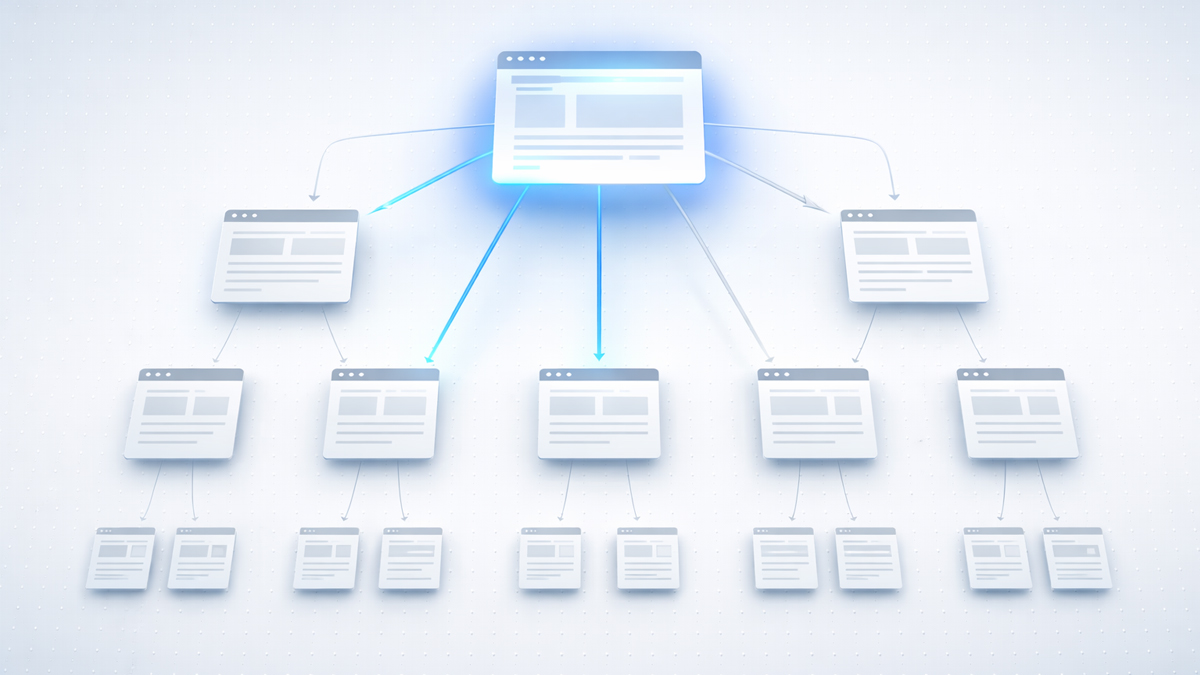
- Pillar page — A comprehensive, long-form guide covering a broad topic. This page you're reading right now is a pillar page. It targets the high-volume head keyword ("internal linking") and links to every supporting article in the cluster.
- Cluster articles — Focused pieces that cover specific subtopics in depth. Each cluster article targets a more specific keyword (like "anchor text optimization" or "orphan pages SEO") and links back to the pillar page.
- Bidirectional links — Every cluster links to the pillar. The pillar links to every cluster. Clusters link to each other horizontally when the content overlaps. This creates a web of topical authority that search engines can trace from any entry point.
Why clusters beat silos: In a traditional silo, your "internal linking" content only links to other "internal linking" articles — never to "technical SEO" or "content strategy" articles.
This creates artificial barriers that fragment your topical authority. Topic clusters allow natural cross-linking between related topics while maintaining a clear hub-and-spoke structure.
Our detailed comparison of topic clusters vs silo structures covers when to use each model and how to build a hybrid approach.
The pillar page strategy guide explains how to structure the central hub for maximum authority flow.
Link Equity: How Authority Flows Through Your Site
Link equity (sometimes called "link juice") is the ranking authority that flows from one page to another through hyperlinks.
Understanding how this flow works is essential for strategic internal linking.
When an authoritative page — like your homepage or a blog post with strong backlinks — links to another page, it passes a portion of its authority through that link.
The more links on the source page, the less equity each individual link receives.
This is the principle of dilution, originally explained in Moz's foundational guide to PageRank.
The practical implications:
Your homepage typically holds the most authority.
Link from it strategically to your most important pages — not to every page on your site.
High-traffic blog posts with strong backlinks are authority assets.
Use them to boost newer or underperforming content by adding internal links from the strong page to the weak one.
Every internal link you add to a page slightly dilutes the equity each existing link on that page passes.
This is why the Zyppy finding about 45-50 links being optimal makes practical sense — beyond 50, each additional link passes so little equity that it barely registers.
For the full breakdown of how equity flows and how to direct it intentionally, see what link equity is and how it moves through your site.
And if you've been told to use nofollow on internal links to "conserve" link equity, read our explanation of why that approach actually destroys equity rather than saving it.
Internal Linking Strategy: Step by Step
Here is the exact process I use when building or rebuilding internal link architecture for a site.
Step 1: Map Your Site's Content
Before adding a single link, you need to know what you have.
List every page on your site, grouped by type: homepage, service pages, tool pages, blog posts, category pages, and utility pages (about, contact, privacy).
Identify your priority pages — the 10-20 pages you most want to rank.
These are your link equity destinations. Every other page on your site should eventually link to at least one of these priority pages.
Step 2: Define Your Cluster Structure
Group your content into topic clusters.
Each cluster needs a pillar page and 8-12 supporting articles.
If you don't have enough supporting content yet, plan it — and link to the future URLs now.
Those links will activate the moment you publish the content.
Map which clusters relate to each other. Your "anchor text" cluster naturally connects to your "internal linking fundamentals" cluster.
Create 1-3 horizontal links between related clusters.
Step 3: Audit Your Current Links
Run your site through the free internal link checker to see your current state.
Look for:
- Pages with fewer than 3 incoming internal links (these are underlinked).
- Pages with more than 50 total links (these may be diluting authority).
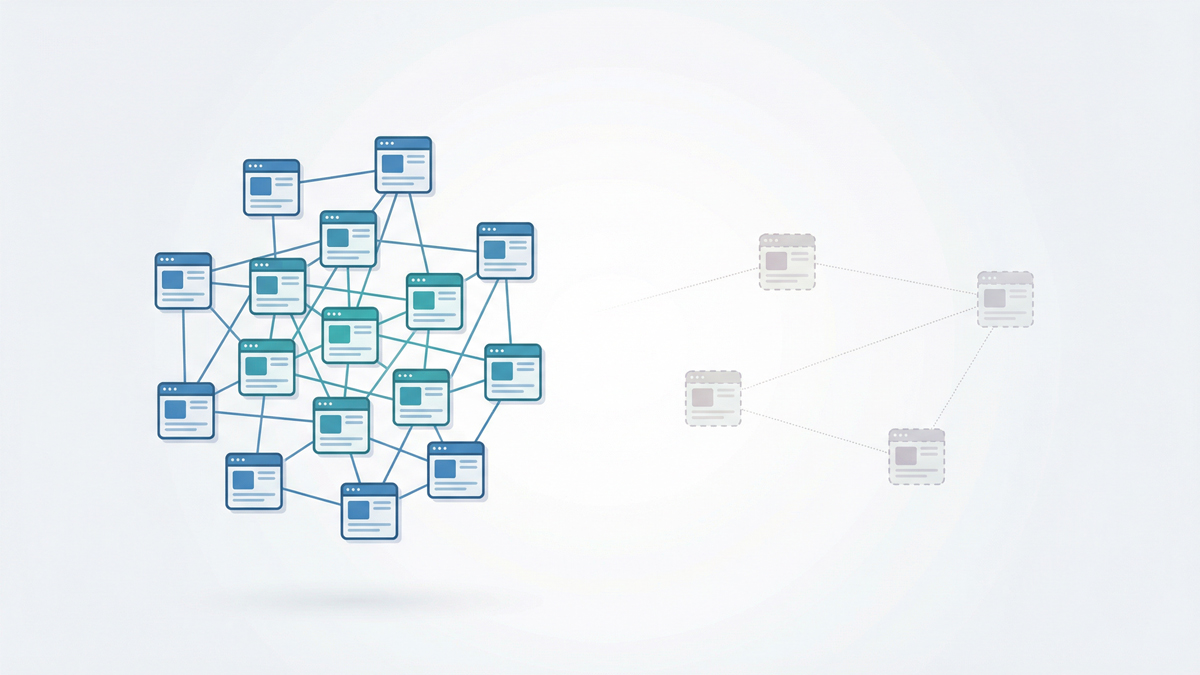
- Orphan pages with zero incoming links (Google may not know they exist).
- Anchor text dominated by a single keyword (over-optimization risk).
- Broken internal links returning 404 errors (these kill crawl efficiency).
The AI-ready internal link audit checklist provides a 10-step process for this review.
If broken links are your biggest problem, our guide on finding and fixing broken internal links covers the fastest repair methods.
Step 4: Add Links Systematically
Work through your priority pages first. For each one, find 5-10 existing articles where a contextual link makes sense.
Write a unique anchor text for each link — never duplicate anchors for the same destination.
Placement priority: links in the first 2-3 paragraphs of content carry the most weight.
Follow that with links in the body where topically relevant, then add a "related reading" section at the end if appropriate.
Step 5: Maintain Monthly
Internal linking is not a one-time project.
Every new article you publish changes the link graph.
Every old article becomes a potential linking source for new content.
Set a monthly cadence: publish new content → link from 3-5 existing articles to the new page → add links from the new page to 3-5 existing pages.
This bidirectional habit ensures no page becomes orphaned and your cluster structure stays connected.
Internal Links for AI Search Optimization (2026)
AI search engines have fundamentally changed how internal links function.
Traditional Google crawlers follow links to discover pages and use anchor text as a keyword signal.
AI crawlers — GPTBot (ChatGPT), ClaudeBot (Claude), PerplexityBot — do all of that plus something more: they use your internal link structure to build a semantic understanding of your entire site's knowledge base.
When Perplexity answers a question about "anchor text optimization" and cites a source, it doesn't pick that source randomly.
It traces the semantic connections between pages.
If your anchor text optimization article links to an internal link checker tool with descriptive anchor text, and that tool links back with different descriptive anchor text, the AI model builds a high-confidence map of your expertise in that topic.
According to Yoast's internal linking research, internal links in the AI era "are no longer mere SEO signals, but context signals that shape how AI models understand your topics."
What this means practically:
Write anchor text in natural language sentences that describe what the reader will find. "Learn how to detect over-optimized anchor text" gives the AI far more context than "anchor text."
Ensure your robots.txt allows AI crawlers — many sites accidentally block GPTBot, ClaudeBot, and PerplexityBot.
Build clear pathways from broad content (pillar pages) to specific content (cluster articles).
This mirrors how AI models prefer to traverse information — general to specific.
Test your AI visibility regularly across ChatGPT, Perplexity, Claude, Gemini, and Google AI Overviews to see which of your pages get cited.
For the technical details on how each AI crawler processes links, see how AI crawlers parse internal links.
For the anchor text angle specifically, natural language anchors vs keyword anchors compares performance across AI platforms.
Orphan Pages: The Silent Traffic Killer
An orphan page is a page on your site with zero internal links pointing to it.
Google's crawlers discover pages by following links — if no link leads to a page, the crawler may never find it.
Screaming Frog's site audit data shows that orphan pages receive zero organic traffic in 96% of cases. Not low traffic — zero.
They are functionally invisible to search engines.
Common causes: you publish a new blog post but forget to link to it from existing content.
You restructure your navigation and accidentally remove links to deeper pages.
You delete an old article that was the only page linking to another page.
The fix is simple but requires discipline: every page on your site needs a minimum of 3 incoming internal links.
Run a monthly crawl to identify orphans, then add links from relevant existing content.
Our dedicated guide on finding and fixing orphan pages walks through the full process.
Crawl Depth: Why Buried Pages Don't Rank
Crawl depth measures how many clicks it takes to reach a page from your homepage.
A page in your main navigation is at depth 1. A blog post linked from a category page linked from the homepage is at depth 3.
The Zyppy data is definitive: pages at depth 4 or greater receive 9x less traffic than pages within 3 clicks.
Google allocates limited crawl budget to each site, and deeper pages get crawled less frequently — which means they're indexed slower, updated slower, and ranked lower.
Audit your crawl depth using any crawler tool.
If important pages sit at depth 4+, create shortcut links from higher-authority pages — your homepage, main navigation, or top-performing blog posts.
Even a single contextual link from a depth-1 page can pull a depth-4 page into depth-2.
For a detailed analysis of how click depth impacts both traditional and AI rankings, see our guide on crawl depth and why deep pages don't rank.
Internal Link Building Techniques
Beyond basic cross-linking between existing pages, several advanced techniques can accelerate your internal linking results.
The authority transfer method.
Find your highest-authority pages (check backlink count in Google Search Console or Ahrefs).
These pages have the most equity to share.
Add 2-3 new internal links from each high-authority page to pages you want to boost.
This is the fastest way to move a page from page 2 to page 1.
The hub page method.
Create dedicated resource pages for your most important topics — like this guide.
Link to every relevant piece of content from the hub, and link back from every piece to the hub.
The hub becomes a traffic magnet and authority concentrator.
The new content launch method.
Every time you publish a new article, immediately go back to 3-5 existing articles and add contextual links to the new piece.
Simultaneously, add 3-5 outbound links from the new article to your existing content.
This ensures the new page is never orphaned and immediately receives equity.
The broken link recapture method.
When you find broken internal links on your site (pages that moved or were deleted), don't just remove the link — redirect it or replace it with a link to the best available replacement page.
Every broken link is wasted equity that could be flowing somewhere useful.
For a full playbook of these and more advanced methods, see 10 internal link building techniques that strengthen site architecture.
Tools for Internal Link Analysis
You need tools to audit, visualize, and maintain your internal link structure.
Here are the best options across price ranges.
SEOShouts Internal Link Checker — Free, no login required. Crawls up to 500 pages and generates a visual word cloud of your anchor text distribution.
The word cloud instantly reveals over-optimization patterns that are invisible in spreadsheets. Also shows link counts, status codes, and destination URLs.
The only free tool with visual anchor text analysis.
Google Search Console — Free. Shows which pages have the most internal links under Links → Internal Links. Useful for identifying underlinked pages but doesn't show anchor text or crawl depth.
Screaming Frog — Free up to 500 URLs, £259/year for unlimited.
The industry standard desktop crawler. Exports detailed internal link data including anchor text, response codes, and crawl depth. No visual analysis — strictly data tables.
Ahrefs Site Audit — Starting at $99/month. Cloud-based crawler with internal link analysis, orphan page detection, and anchor text reports.
Requires project setup.
Semrush Site Audit — Starting at $139/month. Includes an "Internal Linking" report that identifies orphan pages, weak pages, and link distribution issues.
Integrates with keyword data for more strategic recommendations.
For a complete side-by-side comparison including features, pricing, and limitations, see our roundup of the best internal link checker tools.
WordPress users specifically should check our test results on WordPress internal linking plugins — some automate internal linking, but not all do it well.
Common Internal Linking Mistakes
After auditing 500+ websites over the past decade, these are the mistakes I see most frequently.
Mistake 1: Generic anchor text everywhere.
"Click here," "read more," "learn more" — these pass zero topical context.
Every one is a wasted opportunity.
Replace every generic anchor with descriptive text that tells the reader (and the AI) what they'll find on the other side.
Mistake 2: Linking to the homepage constantly.
Your homepage already gets the most links by default (every navigation menu links to it).
Adding more homepage links from your content dilutes equity that should flow to deeper pages.
Link to specific service pages, tool pages, and pillar content instead.
Mistake 3: Ignoring old content.
Articles published 6-12 months ago often have outdated or missing internal links.
New content gets published, but nobody goes back to add links from old articles to the new ones.
This creates a one-directional link graph where new content links to old, but old content ignores new.
Mistake 4: Nofollowing internal links.
Some SEOs add nofollow to internal links thinking they'll "conserve" link equity for other pages.
This doesn't work — the equity that link would have passed simply evaporates.
Our dofollow vs nofollow internal links guide explains why this is a persistent myth.
Mistake 5: Exceeding 50 links per page.
Navigation menus, footers, and sidebars add up fast.
If your template already has 35 navigation links, you only have room for 10-15 contextual links before you hit the 50-link ceiling.
Audit your templates to know your budget.
Mistake 6: Orphaning new pages.
Publishing a blog post without immediately linking to it from existing content.
The new page sits with zero internal links until you remember to add some — which may be never.
Mistake 7: Identical anchors for the same page.
If every article links to your main tool page with the exact same anchor text "free SEO tool," you're sending a manipulation signal. Vary your anchors every time.
Internal Linking for Different Site Types
Internal linking strategy adapts to your site type.
Blogs and content sites should prioritize topic cluster architecture. Build pillar pages for your 3-5 main topics, create 8-12 cluster articles per pillar, and cross-link everything bidirectionally. Use the new content launch method (link from 3-5 old articles to every new post) to maintain connectivity.
Ecommerce sites need hierarchical linking from categories to subcategories to products. Add "related products" sections to pass horizontal links between products in the same category. Link blog content to relevant product pages using descriptive anchors that match buyer intent.
SaaS and tool sites benefit from linking blog content directly to tool/feature pages. If you write about a problem, link to the tool that solves it. If you have a tool page, link to the blog content that educates users about the problem. This is the exact pattern we follow at SEOShouts — every blog post about internal linking connects to the internal link checker tool, and the tool page links back to educational content.
Local service sites should link service pages to location pages and vice versa. If you offer "SEO consulting" in "Chicago," your Chicago page should link to your SEO consulting service page with a descriptive anchor, and the service page should link to Chicago with a location-specific anchor.
Your Internal Linking Audit Checklist
Run through this monthly to keep your link architecture healthy:
- All important pages are within 3 clicks of the homepage
- Zero orphan pages (every page has 3+ incoming internal links)
- Total links per page stay between 45-50 (including navigation)
- 3-5 contextual internal links per 1,000 words of body content
- No broken internal links (all return 200 status codes)
- No redirect chains in internal links
- Anchor text is diverse (no single phrase exceeds 15% for one URL)
- Zero "click here" or "read more" generic anchors
- Topic clusters are bidirectionally linked (pillar ↔ cluster ↔ cluster)
- New content from the past month has received links from existing content
- High-authority pages link to priority pages (authority transfer)
- All internal links are dofollow (no unnecessary nofollow attributes)
- Word cloud visualization shows balanced anchor distribution
- AI crawlers (GPTBot, ClaudeBot, PerplexityBot) are allowed in robots.txt
For an expanded 10-step version of this audit with detailed instructions for each checkpoint, see the AI-ready internal link audit checklist.
Frequently Asked Questions
How many internal links should a page have?
Pages with 45-50 total internal links see peak organic traffic according to Zyppy's analysis of 23 million links. Beyond 50, traffic declines.
For body content specifically, aim for 3-5 contextual links per 1,000 words.
What is the best internal linking strategy for SEO?
The topic cluster model: create a comprehensive pillar page for your main topic, write 8-12 cluster articles covering subtopics, and bidirectionally link them all.
Every cluster links to the pillar, clusters link to related clusters, and the pillar links to all clusters.
This builds topical authority that both Google and AI search engines reward.
Do internal links help SEO rankings?
Yes. Google's John Mueller confirmed that internal linking is "super critical for SEO." Internal links help Google discover pages, distribute link equity, establish topical relationships, and reduce crawl depth.
In the AI era, they also help AI models map your site's semantic structure for citation in generated answers.
What anchor text should I use for internal links?
Use a diverse mix: 50-60% descriptive/partial match, 20-25% branded, 10-15% exact match, and less than 5% generic.
Never repeat the same anchor for the same destination URL across pages.
Write anchors that read naturally — AI models analyze the full sentence, not just the linked words.
Our anchor text optimization guide covers the complete framework.
How often should I audit my internal links?
Monthly, or after adding significant content.
Check for broken links, orphan pages, over-optimized anchors, redirect chains, and deeply buried pages.
The SEOShouts Internal Link Checker can crawl up to 500 pages in a single scan for free.
Can too many internal links hurt my rankings?
Yes. The Zyppy study showed traffic declines beyond 50 links per page.
Excessive linking dilutes the equity each link passes and can trigger quality signals.
Keep contextual links focused on relevance — only link when it genuinely helps the reader.
Should I use nofollow on internal links?
Almost never.
Nofollow on internal links doesn't redirect equity to other links — it destroys the equity entirely.
Keep all internal links dofollow unless you have a specific technical reason, like user-generated content areas or login pages.
How do internal links affect AI search results?
AI models use internal links to build semantic maps of your site.
Descriptive anchor text in natural sentences helps AI models understand topical relationships between your pages.
Sites with strong internal linking get cited more frequently in AI-generated answers. Our guide on internal linking for AI search covers the technical details.